Dropped Phone in Toilet?
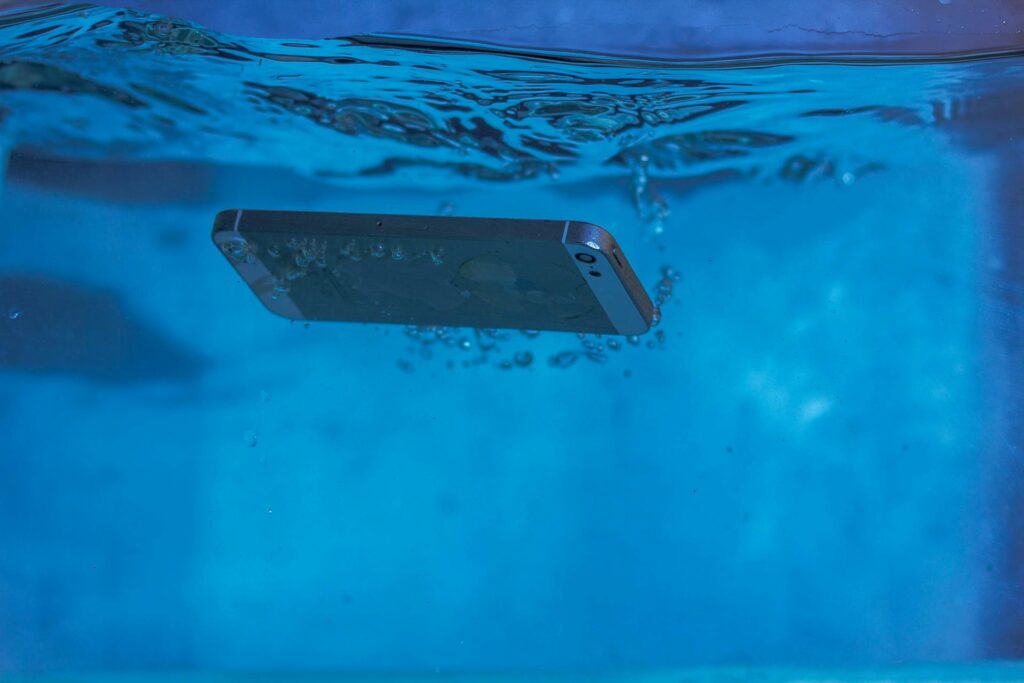
Dropping a phone in the toilet is one of the most common and panic-inducing accidents phone owners experience. In St. Charles, this happens daily, often at home, at work, or in public restrooms. The phone may be submerged for only a second, but the damage can already be underway.
Many people assume toilet water exposure is minor compared to a pool or sink. The phone might still turn on, the screen may look normal, and everything may appear fine at first. Unfortunately, toilet water exposure is one of the most deceptive forms of liquid damage because problems often appear later.
This article explains what actually happens when a phone falls into a toilet, why even brief exposure can cause serious internal damage, what you should do immediately, and when professional water damage repair is required to prevent long-term failure.
Why Toilet Water Is More Dangerous Than People Think
Toilet water is not clean water. Even in a freshly flushed toilet, water contains bacteria, minerals, and chemical residues that create a highly corrosive environment inside electronic devices.
When a phone is dropped into a toilet:
- Water enters through ports, speakers, microphones, and seams
- Contaminants travel deeper than clean water would
- Residue is left behind after the phone dries
This residue continues damaging internal components long after the phone appears dry.
What Happens Inside Your Phone After Toilet Water Exposure
Immediate Internal Effects
The moment water enters the phone:
- Electrical connections are disrupted
- Short circuits may occur
- Power regulation becomes unstable
Even if the phone stays on, internal damage has already begun.
Corrosion Begins Quickly
Toilet water accelerates corrosion faster than clean water. Corrosion starts forming on:
- Charging port contacts
- Screen connectors
- Battery terminals
- Logic board components
This process begins within minutes, not hours.
Why the Phone May Still Work at First
One of the most misleading aspects of toilet water damage is temporary normal function.
Your phone may:
- Turn on normally
- Show a clear display
- Respond to touch
- Charge initially
This does not mean the phone is safe. Corrosion continues silently and often causes delayed failure days or weeks later.
Common Problems After Dropping a Phone in the Toilet
Many issues do not appear immediately. Common delayed symptoms include:
- Screen flickering or going black
- Touch becoming unresponsive
- Battery draining rapidly
- Phone overheating
- Charging issues
- Speaker or microphone failure
These problems often appear gradually, making it harder to connect them to the original water exposure.
Why Drying the Phone Is Not Enough
Air drying or placing the phone near a fan only removes surface moisture. It does not:
- Remove liquid trapped under chips
- Stop corrosion
- Clean contaminated connectors
Drying a phone is not the same as repairing water damage.
Common Myths After Dropping a Phone in the Toilet
Myth 1: “It Was Only in for a Second”
Even a brief dip allows water to enter through open ports instantly.
Myth 2: “The Screen Looks Fine”
Screen damage is often delayed. Internal connectors fail before visible display issues appear.
Myth 3: “I’ll Wait and See”
Waiting allows corrosion to spread and reduces the chance of saving components.
What You Should Do Immediately
If you drop your phone in the toilet:
- Remove it immediately
- Power it off right away
- Do not charge it
- Do not press buttons repeatedly
- Do not use heat or hair dryers
Heat can push moisture deeper and warp internal components.
Why Charging After Toilet Exposure Is Dangerous
Charging a wet phone:
- Forces electricity through contaminated pathways
- Accelerates corrosion
- Can permanently damage the logic board
Many phones that could have been saved are destroyed by charging too soon.
How Professionals Diagnose Toilet Water Damage
Proper diagnosis involves more than checking if the phone turns on.
A professional diagnostic scan evaluates:
- Power stability
- Battery health
- Screen and connector integrity
- Corrosion presence
- Charging behavior
This confirms the true extent of damage.
What Professional Water Damage Repair Actually Does
Professional water damage repair focuses on stopping corrosion, not just drying the device.
The process typically includes:
- Full device disassembly
- Internal inspection under magnification
- Corrosion removal from boards and connectors
- Controlled drying
- Component-level testing
- Replacement of damaged parts if needed
This process gives the phone the best chance of long-term survival.
👉 Dropped phone in water? Contact us now!
Can a Phone Be Fully Saved After Toilet Water Damage?
Yes, if action is taken quickly.
Phones are most likely to be saved when:
- They are powered off immediately
- Charging is avoided
- Professional repair begins early
Delays dramatically reduce success rates.
Why Problems Appear Days or Weeks Later
Delayed failure happens because:
- Corrosion continues to grow
- Residue becomes conductive
- Heat cycles worsen damaged areas
This is why phones often fail “out of nowhere” after seeming fine.
When Screen Replacement Is Needed
Even if the screen looks fine initially, water damage may require screen replacement if:
- Flickering appears
- Touch becomes unreliable
- Black spots or lines develop
Replacing the screen after proper internal cleaning prevents repeat failure.
Toilet Water vs Other Liquid Damage
Toilet water is especially harmful compared to:
- Sink water
- Bottled water
- Rain
Because of contamination, toilet exposure often causes more aggressive corrosion.
Water Damage Repair in St. Charles, MO
At Phone Factory, toilet water damage is diagnosed daily. Proper water damage repair focuses on saving internal components, not just restoring temporary function.
Early professional intervention gives phones the highest chance of recovery and prevents expensive long-term failure.
Related Services
Final Takeaway
Dropping a phone in the toilet is more serious than it appears. Even brief exposure allows contaminated water to enter the device, starting corrosion that continues long after the phone dries.
Powering the phone off immediately and seeking professional water damage repair is the only reliable way to stop internal damage and protect your device. Waiting or relying on drying alone often leads to delayed, permanent failure.