PS5 Turns On Then Shuts Off – What to Check First?
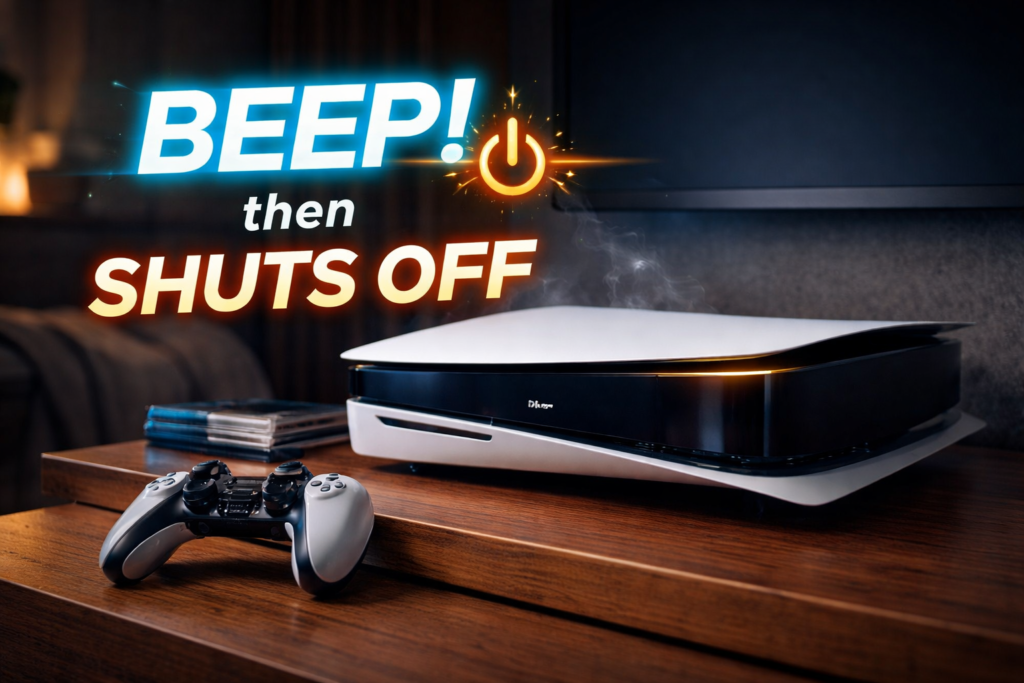
A PlayStation 5 that turns on briefly and then shuts itself off can be alarming. You press the power button, the console lights up, maybe the fan spins or the blue light appears — and then everything goes dark. No error message. No warning. Just silence.
This is one of the most common PS5 failure symptoms we see, and it’s also one of the most misunderstood. Many users assume the console is completely dead, while others keep trying to power it on repeatedly, which can actually make the situation worse.
When a PS5 turns on and shuts off, the console is usually detecting a hardware or power-related problem and shutting down to protect itself. This behavior is intentional. The system is preventing damage to internal components such as the power supply, motherboard, or processor.
This article explains:
- Why a PS5 turns on and shuts off
- What components are most commonly involved
- What you should check first
- What not to do
- When professional repair becomes necessary
Understanding the cause early can prevent permanent damage and expensive repairs.
What “Turns On Then Shuts Off” Actually Means
When a PS5 powers on and immediately shuts down, it means the console passes initial power delivery, but fails during startup checks.
The PS5 performs several internal checks when powered on:
- Power supply voltage stability
- Thermal sensor readings
- Fan response
- Processor startup integrity
- Short-circuit detection
If any of these checks fail, the system cuts power instantly.
This is different from:
- A PS5 that won’t turn on at all
- A PS5 that stays on but shows no display
- A PS5 that crashes during gameplay
Instant shutdown indicates protective shutdown, not total failure.
Most Common Reasons a PS5 Turns On Then Shuts Off
1. Power Supply Unit (PSU) Failure – Most Common Cause
The internal power supply converts wall power into stable voltage for the console. Over time, PS5 power supplies can degrade due to:
- Heat exposure
- Power surges
- Dust buildup
- Component aging
When the PSU cannot maintain stable voltage, the PS5 will:
- Start to power on
- Detect unstable output
- Shut down immediately
Common signs of PSU-related shutdown:
- Console shuts off within 1–3 seconds
- No error message
- Happens consistently every attempt
- No fan noise or only a brief spin
This is the single most common cause of instant shutdown.
2. Overheating Protection Triggering Shutdown
The PS5 has aggressive thermal protection. If the system detects unsafe temperature readings, it will shut down immediately — sometimes before the fan even ramps up.
This can happen due to:
- Heavy dust buildup
- Dried or uneven thermal compound
- Blocked air vents
- Damaged internal fan
Important note:
Overheating shutdown can occur even when the console feels cool externally. Internal sensors detect heat much faster than the outer shell reflects it.
3. Liquid Damage or High Humidity Exposure
Liquid damage doesn’t always look dramatic. Even mild moisture exposure can cause:
- Corrosion on power circuits
- Short circuits at startup
- Inconsistent voltage readings
Common sources include:
- Spills near the console
- High-humidity environments
- Basement storage
- Condensation from temperature changes
Liquid-damaged PS5 consoles often:
- Turn on briefly
- Shut down instantly
- Get worse over time if powered repeatedly
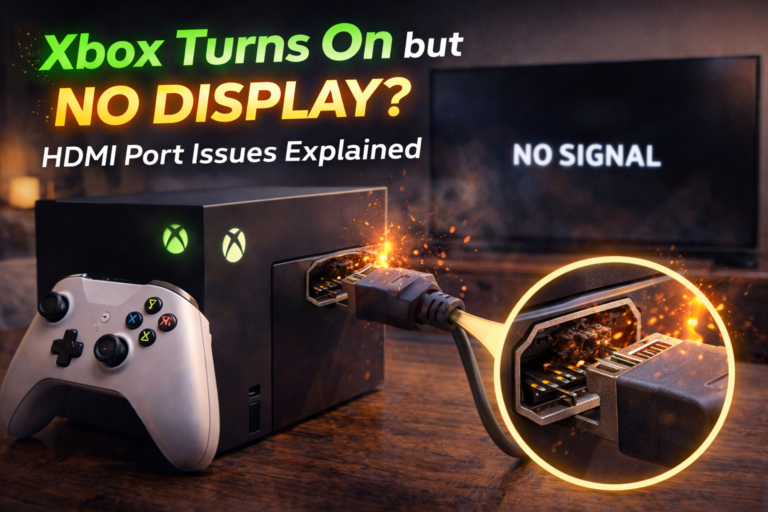
4. HDMI or Peripheral Short Circuit
A damaged HDMI port or connected device can cause the PS5 to shut down as soon as power is applied.
This happens when:
- HDMI pins are bent or shorted
- A damaged cable causes electrical feedback
- USB accessories draw abnormal current
Disconnecting everything except power is a critical early step.
5. Motherboard Power Rail Failure
If internal voltage rails on the motherboard are damaged, the PS5 may:
- Attempt startup
- Fail internal power checks
- Shut down instantly
This type of failure is often caused by:
- Power surges
- Liquid damage
- Severe overheating
- Failed previous repairs
This is less common than PSU issues, but more serious.
What to Check First (Safe User-Level Steps)
Before assuming the PS5 is dead, there are safe checks you can perform.
Step 1: Disconnect Everything
Unplug:
- HDMI cable
- USB devices
- External drives
- Controllers
Leave only the power cable connected, then try turning it on.
If the PS5 stays on longer:
- One of the peripherals or cables may be causing a short
Step 2: Try a Different Power Source
- Plug directly into a wall outlet
- Avoid power strips or surge protectors
- Try a different outlet in another room
Unstable power delivery can mimic internal PSU failure.
Step 3: Inspect the Power Cable
Check for:
- Fraying
- Bent connectors
- Loose fit
While rare, a damaged power cable can cause voltage drops that trigger shutdown.
Step 4: Let the Console Cool Completely
If the PS5 was recently used:
- Power it off
- Unplug it
- Let it sit for at least 30–60 minutes
If it powers on afterward but shuts down again, overheating is likely involved.
👉 Learn more: https://www.stcharlesphonefactory.com/st-charles/console-repair/playstation-repair/
What NOT to Do
Certain actions make damage worse:
- ❌ Repeatedly power cycling the console
- ❌ Shaking or tapping the PS5
- ❌ Opening the console without proper tools
- ❌ Continuing to test with overheating symptoms
- ❌ Using compressed air aggressively inside the unit
Every failed startup attempt can worsen internal electrical damage.
Why This Problem Usually Gets Worse Over Time
A PS5 that shuts off instantly rarely “fixes itself.”
Over time:
- Power supply components degrade further
- Corrosion spreads
- Thermal issues worsen
- Startup time shortens
- Eventually the PS5 won’t power on at all
Early diagnosis is critical.
How Professionals Diagnose Instant Shutdown Issues
Professional diagnostics involve:
- Measuring PSU voltage output
- Testing startup current draw
- Checking thermal sensor behavior
- Inspecting HDMI and USB rails
- Board-level continuity testing
This identifies whether the failure is:
- Power supply-related
- Thermal-related
- Board-level damage
Accurate diagnosis prevents unnecessary replacement of expensive parts.
When Repair Is Required
Professional repair is recommended if:
- The PS5 shuts off every time
- Cooling time does not help
- Different outlets don’t change behavior
- No peripherals are connected
- Shutdown happens within seconds
At this point, internal components must be inspected.
👉 Want to repair your PS5? Contact us now!
Final Takeaway
When a PS5 turns on and shuts off immediately, the console is protecting itself from internal damage. This behavior is most commonly caused by power supply failure, overheating protection, or internal electrical issues — not software glitches.
Checking power, peripherals, and heat exposure is a good first step, but repeated shutdowns mean professional diagnosis is needed. Acting early often prevents more expensive repairs and can save the console entirely.