Dust in Charging Port
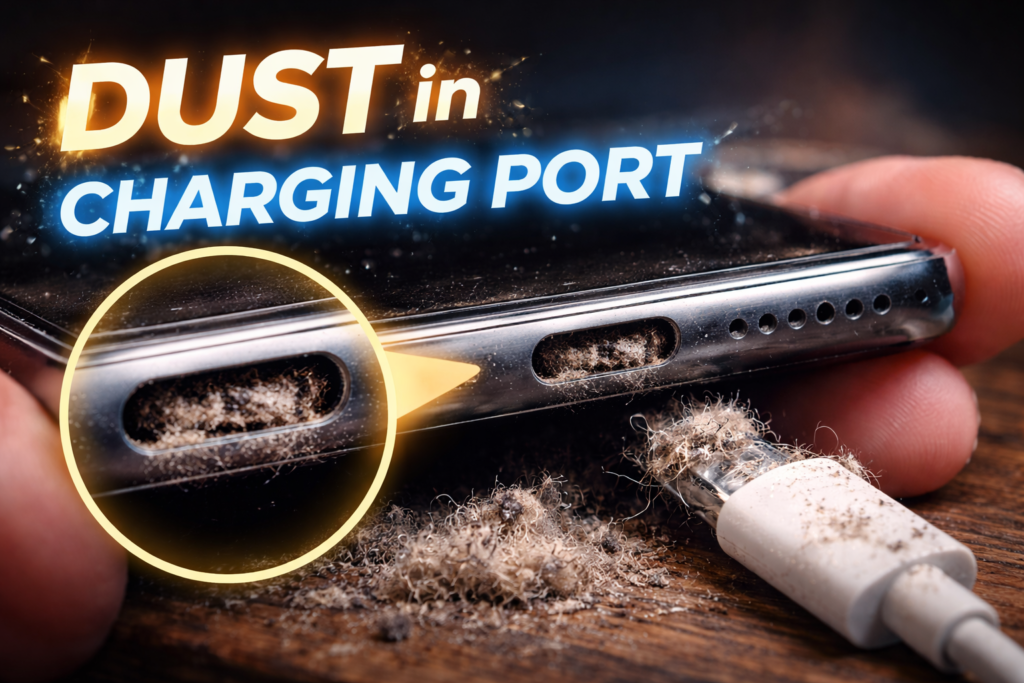
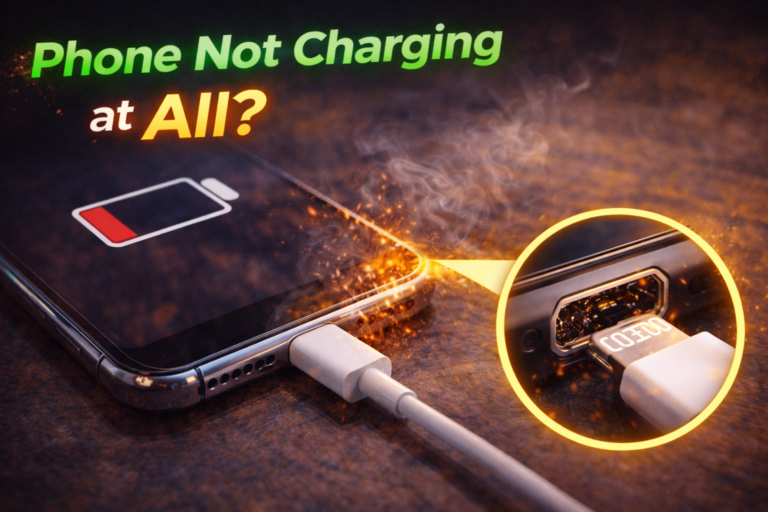
Dust in the charging port is one of the most underestimated causes of charging problems. In St. Charles, many people bring in phones that “stopped charging suddenly,” only to learn that the port has been slowly filling with lint, dust, and debris for months.
We regularly see this issue from customers near Zumbehl Road and the Mid Rivers Mall who assume the cable or battery has failed. In reality, charging ports are open by design and naturally collect debris over time.
While dust buildup may seem harmless, it can prevent the charging cable from making proper contact with the internal pins. Over time, this leads to intermittent charging, slow charging, or complete charging failure. This article explains how dust gets into charging ports, why it causes serious issues, why DIY cleaning often fails, and when professional charge port service is required.
How Dust Gets Inside Charging Ports
Charging ports are exposed openings. Every time a phone is placed in a pocket, bag, or car console, debris enters the port.
Common sources include:
- Pocket lint
- Fabric fibers
- Dust and dirt
- Sand particles
- Skin debris
Each time the charging cable is inserted, this debris is pushed deeper into the port, compacting over time.
Why Dust Prevents Proper Charging
Blocked Contact Depth
Charging cables are designed to seat fully inside the port. Dust buildup prevents full insertion, which means:
- The cable does not reach the charging pins
- Electrical contact becomes weak or inconsistent
- Charging works only at certain angles
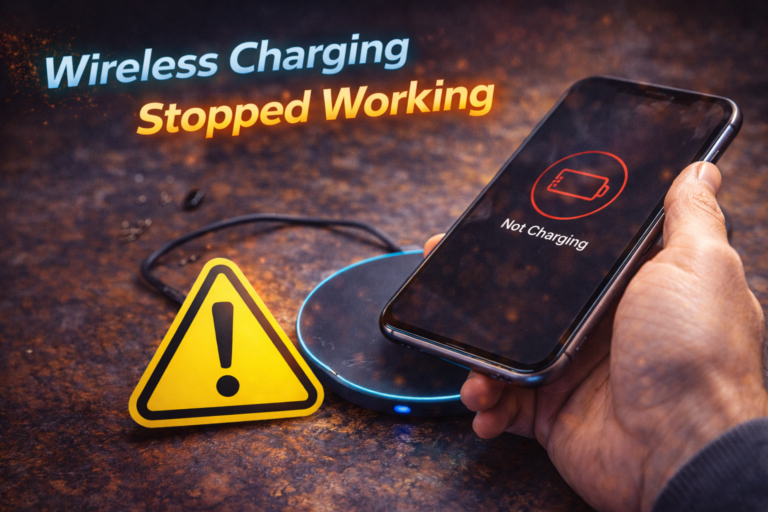
This is why many phones with debris issues “only charge when held.”
👉 Learn more about Charge Port Repair in St. Charles
Compacted Debris Becomes a Physical Barrier
Over time, lint and dust compress into a dense plug.
This compacted debris:
- Resists surface-level cleaning
- Pushes against internal pins
- Mimics symptoms of port damage
At this stage, quick fixes rarely last.
Common Warning Signs of Dust-Related Charging Issues
Watch for:
- Charging cable feels loose
- Cable will not click fully into place
- Charging stops when the phone moves
- Slow or inconsistent charging
- Charging icon appears but battery does not increase
These symptoms often appear together as debris accumulates.
Why DIY Cleaning Often Makes Things Worse
Many people attempt to clean their charging port using:
- Toothpicks
- Paperclips
- Sewing needles
- Pins
This is risky.
DIY cleaning can:
- Bend or flatten charging pins
- Scratch contact surfaces
- Push debris deeper into the port
- Cause short circuits
Once pins are damaged, full charge port repair is usually required.
Why Compressed Air Is Not a Complete Solution
Compressed air may remove loose dust near the opening, but it cannot:
- Remove compacted lint at the back of the port
- Restore worn contact tension
- Fix bent or misaligned pins
Any improvement is often temporary.
How Professionals Clean Charging Ports Safely
Professional port service includes:
- Magnified internal inspection
- Anti-static, non-conductive tools
- Controlled debris extraction
- Contact integrity testing
If debris is the only issue, proper cleaning restores full charging. If wear or damage is discovered, repair is recommended.
👉 Learn more about Diagnostic Scan Services in St. Charles
When Dust Is Not the Only Problem
In many cases, dust buildup hides deeper issues such as:
- Worn internal contacts
- Bent pins from forced cables
- Corrosion from moisture exposure
- Solder fatigue inside the port assembly
Cleaning alone cannot fix these conditions.
Why Dust-Related Issues Often Return
Even after cleaning, problems return if:
- Contact tension is already weak
- Pins no longer spring back properly
- The cable never feels secure
This indicates structural charging port failure.
When Charge Port Repair Is Required
Professional repair is required if:
- Charging remains inconsistent after cleaning
- The cable never fits securely
- Data transfer fails
- Charging only works at certain angles
At this point, replacing the charging port is the only reliable fix.
👉 Charging problem? Contact us now!
What Happens During Professional Charge Port Repair
A proper repair includes:
- Full device disassembly
- Removal or replacement of the port or flex assembly
- OEM-grade part installation
- Connector or solder testing
- Charging and data verification
This restores factory-level charging reliability.
Preventing Dust Buildup Going Forward
You can reduce future buildup by:
- Avoiding lint-heavy pockets
- Using port covers if needed
- Periodic professional inspection
- Avoiding charging in dusty environments
Prevention slows wear but cannot reverse existing damage.
Charge Port Cleaning and Repair in St. Charles, MO
At Phone Factory in St. Charles, dust-related charging issues are diagnosed daily. Whether safe cleaning or full port repair is required, proper service restores reliable, hands-free charging for customers throughout St. Charles, including areas near Zumbehl Road and Mid Rivers Mall.
Related Services
Final Takeaway
Dust in the charging port is a common cause of charging failure, but once symptoms appear, it is rarely just a cleaning issue.
Professional inspection determines whether safe cleaning or full charge port repair is required to restore dependable charging and prevent complete failure.