iPhone Stuck on Apple Logo
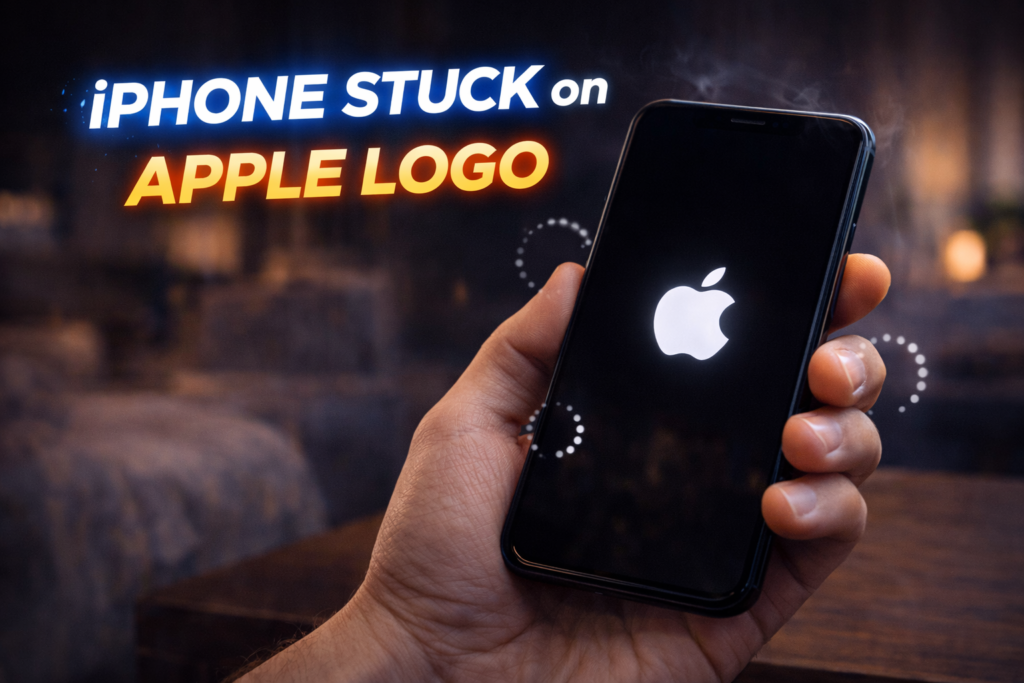
An iPhone stuck on the Apple logo is one of the most alarming problems a user can experience. The phone powers on, the Apple logo appears — and then nothing happens. It may stay frozen for minutes or hours, restart repeatedly, or never move past the logo at all.
In St. Charles, this issue is extremely common after software updates, storage overload, failed restores, or unexpected shutdowns. Many users panic, assuming the phone is permanently broken or that all data is lost. Others try force restarts, recovery mode loops, or factory resets that often make the situation worse.
An iPhone stuck on the Apple logo is not random. It means the phone is failing during the boot process — and the cause can be software corruption, system conflicts, or hardware instability triggering software failure.
This article explains why iPhones get stuck on the Apple logo, what’s happening internally, why common DIY fixes often fail, and when professional diagnostic software repair is the safest solution.
What It Means When an iPhone Is Stuck on the Apple Logo
The Apple logo appears during the boot sequence. At this stage, the phone is:
- Powering the logic board
- Loading iOS system files
- Checking storage integrity
- Verifying firmware and security
- Initializing hardware communication
When the phone freezes on the Apple logo, the boot process has failed mid-sequence.
This tells us something important:
- The phone is receiving power
- The screen is working
- The logic board is partially functional
The failure occurs when iOS cannot complete startup.
Most Common Causes of an iPhone Stuck on Apple Logo
1. Failed or Interrupted iOS Update (Most Common Cause)
Software updates are the #1 trigger for Apple logo boot loops.
This happens when:
- The update is interrupted by low battery
- Storage is nearly full during installation
- The update file becomes corrupted
- Background processes conflict with the update
When this occurs, iOS installs partially — leaving the system unable to finish loading.
2. Storage Full or System Data Corruption
If an iPhone runs out of available storage, critical system files cannot write correctly.
Symptoms include:
- Freezing on the Apple logo
- Endless reboot loops
- Device failing to complete startup
Storage-related boot failures are extremely common on older devices.
3. App-Level Conflicts or Corrupted System Files
Apps that interact deeply with system processes can corrupt iOS during:
- Background updates
- App syncing
- Restore operations
- iCloud backups
Once system files are corrupted, the phone cannot pass the boot stage.
4. Hardware Instability Triggering Software Failure
In some cases, the issue starts as hardware, but appears as software failure.
Common triggers:
- Degraded battery causing voltage drops
- Internal storage chip instability
- Logic board power fluctuations
- Drop or liquid exposure
When hardware cannot deliver stable power, iOS aborts the boot process.
5. Failed Restore or Backup Transfer
Phones often get stuck after:
- iTunes restores
- iCloud restores
- Data migration between devices
If the restore process fails mid-transfer, the phone may never complete startup.
Why Force Restart Often Doesn’t Work
Apple recommends force restarting — and sometimes it helps.
But when it doesn’t, here’s why:
- Force restart does not repair corrupted system files
- It does not restore missing iOS components
- It does not fix storage conflicts
- It cannot stabilize failing hardware
Repeated force restarts can actually:
- Deepen corruption
- Trigger recovery lock loops
- Make data recovery harder
Why Factory Reset Is Often a Bad Idea
Many users jump straight to a factory reset — and regret it.
Factory reset:
- Deletes all data
- Does not fix hardware-triggered boot failure
- Can fail mid-process and brick the device
- Often doesn’t solve deep system corruption
Once a reset is attempted, data recovery options are drastically reduced.
How Professionals Diagnose Apple Logo Boot Failures
Professional diagnosis looks far deeper than basic troubleshooting.
A diagnostic software repair process checks:
- iOS boot logs
- Firmware integrity
- Storage read/write health
- Power stability during boot
- Crash loops and kernel panic flags
This determines whether the failure is:
- Software-only
- Hardware-triggered software failure
- Mixed (battery + iOS corruption)
- Board-level related
👉 Related service: Diagnostic & Software Repair

Why Diagnostic Software Repair Is the Correct Approach
Diagnostic software repair focuses on fixing the boot process without data loss whenever possible.
This approach:
- Repairs corrupted system files
- Rebuilds boot structures
- Reinstalls iOS cleanly without wiping data (when possible)
- Identifies hidden hardware triggers
- Avoids unnecessary factory resets
It addresses the root cause, not just the symptom.
What Happens During Professional Diagnostic Software Repair
A proper repair process includes:
Step 1: Non-Destructive Diagnostics
- Boot loop analysis
- Error log review
- Storage health checks
Step 2: Controlled iOS Repair
- Targeted system rebuild
- Firmware correction
- Boot sequence stabilization
Step 3: Hardware Validation
- Battery voltage testing
- Power draw monitoring
- Thermal stability checks
Step 4: Data Preservation Testing
- Ensuring personal data remains intact
- Verifying app and file integrity
This process dramatically increases success rates.
Is Your Data Safe When Stuck on the Apple Logo?
In most cases: Yes — if you act correctly.
Data is usually safe when:
- No factory reset has been attempted
- The phone still powers on
- Storage is readable
- Diagnostics are performed early
Data loss risk increases when:
- The phone is repeatedly restored
- Reset attempts fail
- Boot loops continue for weeks
- Hardware damage progresses
When You Should Seek Immediate Repair
Do not wait if:
- The phone is stuck on the Apple logo for more than 10 minutes
- The device restarts endlessly
- The issue began after an update
- The phone contains important data
- Force restart does nothing
Delaying repair increases:
- Data loss risk
- Hardware stress
- Repair complexity
iPhone Boot Loop Repair in St. Charles, MO
At Phone Factory in St. Charles, iPhones stuck on the Apple logo are diagnosed daily using professional software repair tools — not guesswork.
Instead of wiping devices unnecessarily, diagnostics identify whether the issue is repairable without data loss and whether hardware factors are involved.
Final Takeaway
An iPhone stuck on the Apple logo is a boot failure, not a dead phone. The issue is usually caused by software corruption, update failure, or hidden hardware instability — not random malfunction.Force restarts and factory resets often make things worse. The safest path is professional diagnostic software repair, which identifies the true cause and restores normal startup while protecting your data whenever possible.