Lines or Flickering on Phone Screen
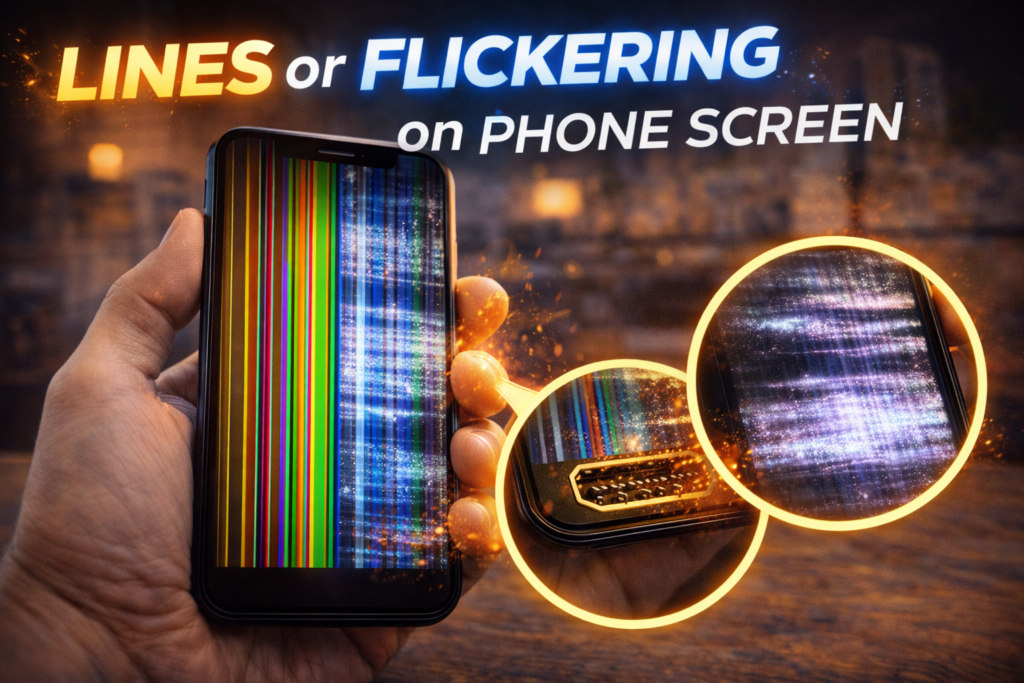
Lines running across a phone screen or a display that flickers on and off are clear warning signs of internal screen failure. In St. Charles, this issue is extremely common after drops, pressure damage, or long-term wear, especially for customers near Zumbehl Road and the Mid Rivers Mall area. Many people try to ignore the problem at first because the phone still works, but lines and flickering never remain stable.
Once these symptoms appear, the display is already compromised. Over time, the screen becomes harder to read, touch accuracy declines, and full screen blackout often follows.
This article explains why lines or flickering appear on phone screens, what they indicate internally, how the damage progresses, and when professional screen replacement is the only reliable fix.
How Phone Screens Produce an Image
Modern phone screens rely on millions of pixels controlled by microscopic electrical drivers. These pixels are organized into rows and columns that work together to create a stable image.
When the screen is functioning properly:
- Pixels activate uniformly
- Colors remain consistent
- Brightness stays stable
When the display layer or pixel drivers are damaged, the image becomes unstable. This instability appears as lines, flashing, or flickering.
Common Types of Screen Lines and What They Mean
Vertical Lines
Vertical lines usually indicate damage to column drivers inside the display panel.
Common causes include:
- Impact damage
- Internal cracks in the display layer
- Pressure applied to one side of the phone
Vertical lines often begin thin and gradually widen over time.
Horizontal Lines
Horizontal lines point to row driver failure within the display.
These lines may:
- Appear intermittently
- Change color
- Shift position up or down the screen
Once horizontal lines appear, complete display failure is often not far behind.
Flickering or Flashing Screen
Flickering occurs when the screen cannot maintain a stable electrical signal.
Common causes include:
- Loose internal connectors
- Failing OLED or LCD panels
- Moisture exposure
- Power instability from impact damage
Flickering often worsens when brightness changes or when the phone heats up during use.
Why Lines and Flickering Get Worse Over Time
Screen damage continues to spread because:
- Micro-cracks expand with heat and cold
- Electrical pathways degrade
- Daily pressure stresses weakened areas
What starts as a small visual defect frequently develops into major display failure.
Common Causes of Screen Line and Flicker Issues
1. Drop or Impact Damage
Even a short fall can damage the internal display layer without cracking the outer glass. This is the most common cause seen in St. Charles repair shops.
2. Pressure Damage
Sitting on the phone or carrying it in a tight pocket can slightly bend the frame, placing constant stress on the screen.
3. Moisture Exposure
Liquid can short pixel drivers or corrode connectors, causing unstable image output and flickering.
4. Aging Display Panels
Over time, display panels naturally degrade. Older devices may develop lines even without a recent drop.
5. Low-Quality Replacement Screens
Cheap or poorly installed replacement screens are more likely to develop flickering, lines, and early failure.
Early Warning Signs Your Screen Is About to Fail Completely
Lines or flickering often appear before total display failure. Recognizing early symptoms can help prevent sudden blackout.
Watch for:
- Lines that appear only at high brightness
- Flickering when scrolling or opening apps
- Colors shifting or appearing washed out
- Brightness changing on its own
- Touch response declining near visible lines
Once these signs begin, the display panel is already degrading internally.
Is Your Data at Risk When Lines or Flickering Appear?
In most cases, your data is safe.
Because the phone is still powered on:
- Photos, videos, and files remain intact
- Contacts and messages are not affected
- Apps and system data remain stored internally
Screen replacement does not erase data. The issue is isolated to the display assembly, not the phone’s storage.
Data risk increases only if the phone is exposed to moisture or further internal damage due to delayed repair.
Common Myths About Lines and Flickering Screens
Myth 1: The Problem Will Go Away on Its Own
Display damage never reverses. Lines and flickering always worsen.
Myth 2: Adjusting Brightness Fixes the Screen
Lower brightness may hide symptoms temporarily but does not stop internal failure.
Myth 3: A Software Update Will Fix It
Persistent lines or flickering across apps indicate hardware damage, not software issues.
Myth 4: It’s Safe to Keep Using the Phone Until It Dies
Continued use increases the risk of sudden blackout and additional internal damage.
Quick Self-Check Before Bringing It In
You can perform a simple check to confirm display failure:
- Restart the phone
- Open multiple apps
- Adjust brightness up and down
- Gently rotate the device
If lines or flickering persist, worsen, or change with brightness, the display panel has failed.
Can Software Cause Lines or Flickering?
In rare cases, a temporary software glitch may cause brief flickering. However, persistent lines or flickering across multiple apps almost always indicate physical screen damage.
If restarting the phone does not resolve the issue, professional repair is required.
Why Screen Replacement Is the Correct Solution
Because the display panel is sealed, damaged pixel drivers cannot be repaired individually.
A proper screen replacement:
- Removes the failing display panel
- Restores stable image output
- Eliminates lines and flickering
- Prevents sudden screen blackout
👉 Want to repair/replace your Phone Screen? Contact us now!
What Happens During Professional Screen Repair
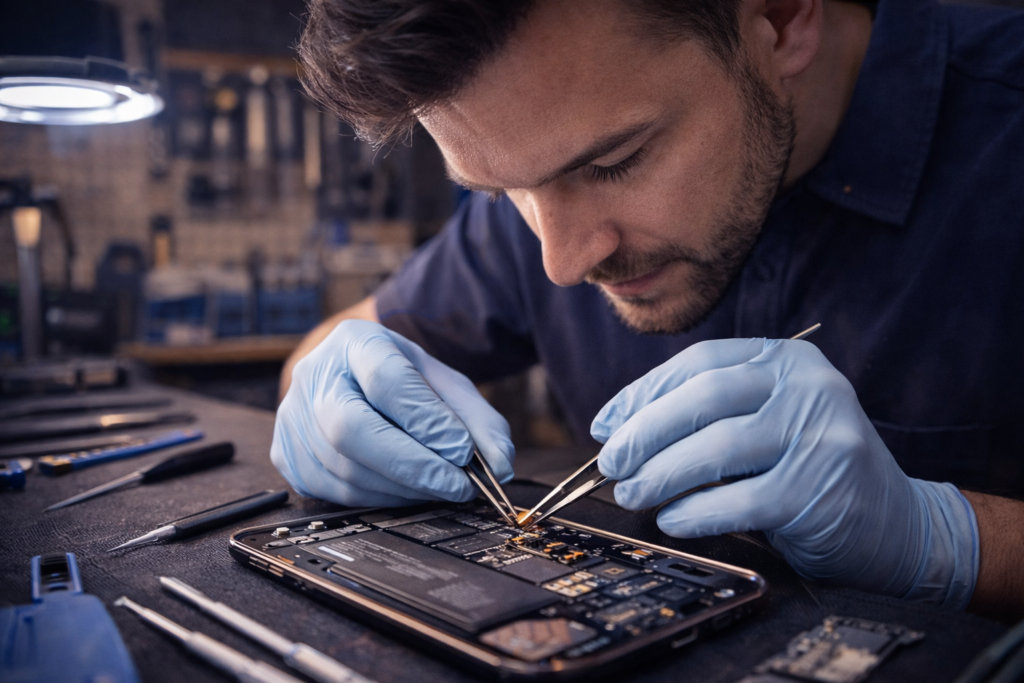
A professional repair includes:
- Diagnostic confirmation
- Safe removal of the damaged screen
- OEM-grade replacement screen installation
- Proper alignment and adhesive sealing
- Brightness, color, and touch testing
When You Should Replace the Screen Immediately
Do not delay repair if:
- Lines are spreading
- Flickering becomes more frequent
- The screen dims or flashes
- Touch response declines
Waiting increases the risk of complete display failure.
Screen Repair in St. Charles, MO
At Phone Factory in St. Charles, screen issues involving lines or flickering are diagnosed and repaired daily. High-quality replacement screens ensure stable performance, accurate color, and long-term reliability for customers throughout St. Charles, including areas near Zumbehl Road and Mid Rivers Mall.
Related Services
Final Takeaway
Lines or flickering on a phone screen are clear signs of internal display damage. These symptoms do not resolve on their own and almost always lead to full screen failure.
Professional screen replacement restores clarity, prevents sudden blackout, and keeps your phone reliable for everyday use.