Face ID Stopped Working After Screen Crack
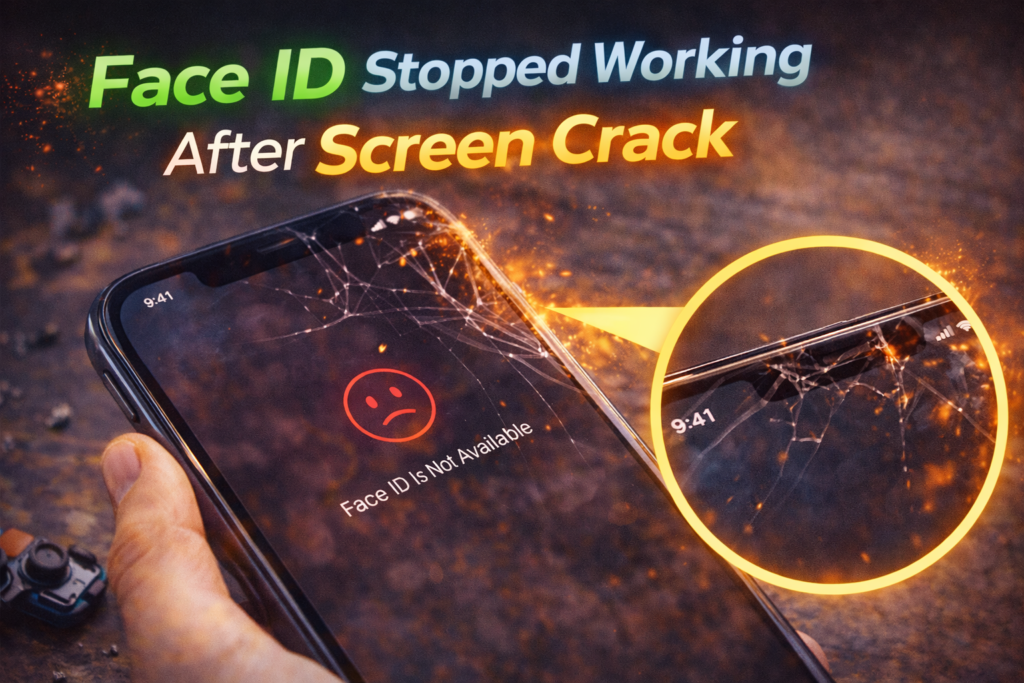
One of the most frustrating problems iPhone users experience after cracking their screen is Face ID suddenly stopping. The phone may still turn on, the display might work, and apps may run normally, but Face ID fails with an error or refuses to set up at all.
In St. Charles, this is a very common issue we see after drops, even when the screen damage looks minor. Customers from areas near Zumbehl Road and the Mid Rivers Mall often assume Face ID is a software problem or something that can be recalibrated.
In reality, Face ID is one of the most sensitive systems inside an iPhone. Screen damage frequently affects it indirectly. This article explains why Face ID stops working after a screen crack, what components are involved, why DIY or low-quality repairs make it worse, and when professional repair is required.
How Face ID Works Inside an iPhone
Face ID is not a single component. It is a tightly integrated system made up of multiple precision-aligned parts located at the top of the screen.
Key Face ID components include:
- Infrared camera
- Flood illuminator
- Dot projector
- Proximity sensor
- Ambient light sensor
- Earpiece assembly
- Front-facing camera
- Secure flex cables
All of these components must remain perfectly aligned. Even a slight shift can cause Face ID to stop functioning.
Why a Screen Crack Can Break Face ID
1. Impact Damage Shifts Sensor Alignment
When an iPhone is dropped, the force does not stop at the glass. It transfers through the frame and display assembly.
Impact damage can:
- Shift the Face ID sensor bracket
- Slightly bend the internal frame
- Misalign the dot projector
- Stress or weaken sensor flex cables
Even if the screen still works, Face ID may no longer recognize depth correctly.
2. Cracks Interfere With Infrared Light
Face ID relies on infrared light patterns projected onto your face. Cracked glass can:
- Scatter infrared light
- Block accurate depth mapping
- Cause inconsistent readings
This often leads to Face ID setup errors or repeated authentication failures.
3. Moisture and Dust Reach the Sensors
Once the screen cracks, the protective seal is broken.
This allows:
- Dust buildup around sensor openings
- Moisture intrusion from humidity or sweat
- Corrosion on delicate sensor contacts
Face ID components are extremely sensitive to contamination.
4. Screen Pressure Damages Sensor Flex Cables
Pressure from daily use, sitting on the phone, or even a swelling battery can press against the Face ID flex cables.
This may cause:
- Intermittent Face ID failure
- “Face ID not available” messages
- Setup freezing partway through
Why Face ID Often Fails After Cheap Screen Repairs
One of the most common reasons Face ID stops working permanently is improper screen replacement.
Low-quality repairs often:
- Damage the Face ID flex cable
- Fail to transfer original sensor brackets
- Use incorrect screen thickness
- Misalign the sensor housing
- Tear or pinch cables during installation
Face ID components are paired to the logic board. If they are damaged, Face ID may be permanently disabled.
Common Face ID Error Messages After a Screen Crack
You may see:
- “Face ID is not available”
- “Unable to activate Face ID”
- Face ID setup freezing
- Face ID working occasionally but failing most of the time
These are hardware-related warnings, not software bugs.
Can Software Fix Face ID After Screen Damage?
In almost all cases, no.
Face ID failures after a cracked screen are caused by:
- Physical misalignment
- Sensor damage
- Flex cable stress
- Moisture contamination
Software updates, resets, or reboots do not correct these issues.
Early Warning Signs Face ID Damage Is Getting Worse
Face ID issues often worsen before total failure. Watch for:
- Face ID working only in bright lighting
- Increased setup errors
- Authentication working at certain angles only
- Face ID failing after screen flickers or lines appear
These signs indicate internal sensor stress.
Why Screen Replacement Alone Is Not Always Enough
In some cases, replacing the screen restores Face ID, but only if:
- The original Face ID components are undamaged
- OEM-grade parts are used
- Sensor alignment is restored correctly
- The repair is performed carefully
If the Face ID sensor itself is damaged, advanced diagnostics or micro-repair may be required.
👉 Learn more about iPhone Screen Repair in St. Charles
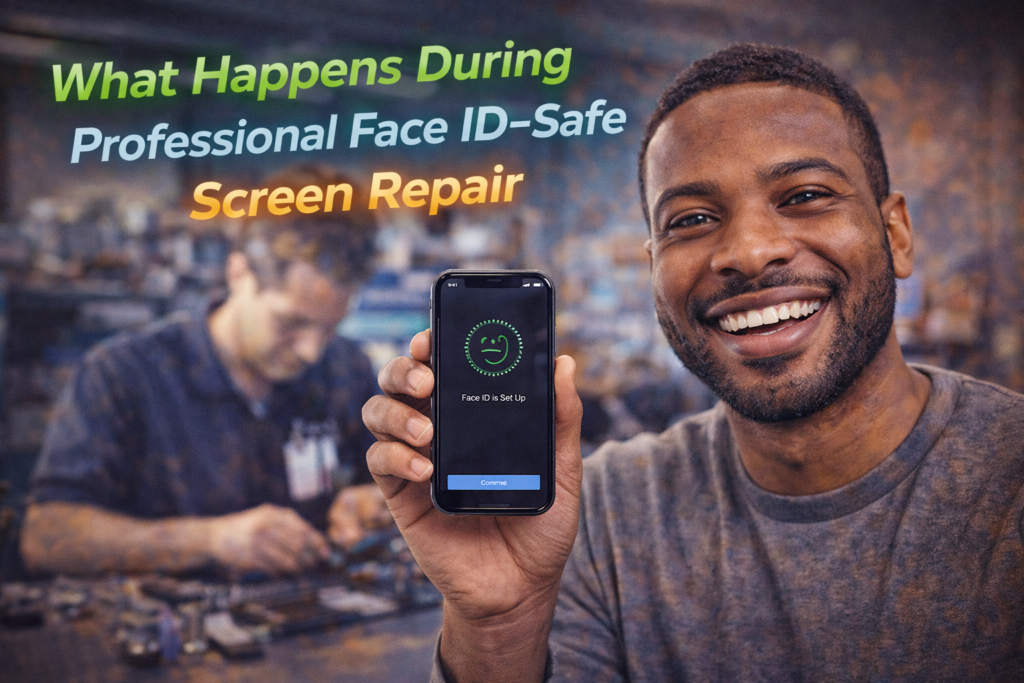
What Happens During Professional Face ID–Safe Screen Repair
A proper Face ID–safe repair includes:
- Careful removal of the damaged screen
- Inspection of all Face ID components
- Safe transfer of original sensor assemblies
- Precise alignment during reinstallation
- OEM-grade screen installation
- Post-repair Face ID testing
This process preserves Face ID whenever possible.
When Face ID Cannot Be Restored
Unfortunately, Face ID may be permanently disabled if:
- The dot projector is damaged
- The sensor flex cable is torn
- Corrosion has destroyed paired components
- A past repair damaged the assembly
This is why early, professional repair is critical.
Face ID Repair and Screen Replacement in St. Charles, MO
At Phone Factory in St. Charles, cracked screens with Face ID issues are handled with extra care. We inspect sensor assemblies, use proper alignment techniques, and install high-quality replacement screens to preserve Face ID whenever possible for customers throughout St. Charles, including areas near Zumbehl Road and Mid Rivers Mall.
Related Services
👉 👉👉 Want to repair/replace your Phone Screen? Contact us now!
Final Takeaway
When Face ID stops working after a screen crack, it is almost always due to internal sensor damage or misalignment. The issue is not software-related and cannot be fixed with resets or updates.
Professional screen repair performed correctly gives you the best chance of restoring Face ID and preventing permanent loss of this feature.