Phone Won’t Turn On
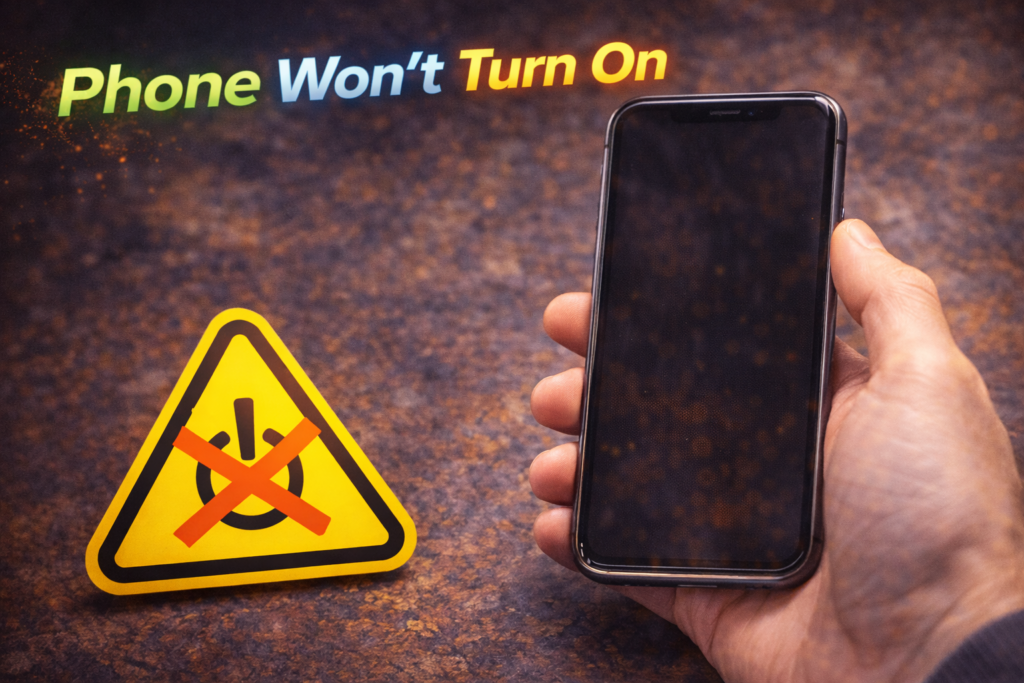
When a phone won’t turn on, it immediately feels like the worst-case scenario. You press the power button — nothing happens. No vibration. No logo. No response. For many people in St. Charles, this situation leads to panic, especially if the phone contains important photos, messages, work apps, or two-factor authentication access.
Despite how serious it feels, a phone that won’t turn on is not always dead. In fact, many phones that appear completely lifeless can be restored once the real cause is identified. The problem is that guessing, forcing resets, or attempting random fixes often makes recovery harder.
A phone that won’t turn on is usually suffering from power delivery failure, software corruption, or system protection shutdown. The key is understanding which one — and addressing it correctly.
This article explains why phones fail to power on, what’s happening internally, why common DIY attempts fail, and how professional diagnostic software repair determines whether the phone can be revived safely.
What “Phone Won’t Turn On” Actually Means
When a phone shows no response at all, it does not automatically mean the phone is permanently dead.
Internally, one of these situations is occurring:
- Power is not reaching the logic board
- The phone is stuck in a protected shutdown state
- Software is preventing startup
- Hardware instability is blocking boot
- The battery cannot supply minimum voltage
The screen being black does not tell the whole story.
The Most Common Reasons a Phone Won’t Turn On
1. Deep Software Crash or System Corruption (Very Common)
Phones can enter a state where:
- The operating system is corrupted
- Boot files are damaged
- Startup processes fail silently
This often happens after:
- Failed updates
- Storage overload
- App crashes affecting system files
- Improper shutdowns
The phone may still be drawing power internally — but iOS or Android refuses to boot.
2. Battery Voltage Drop Triggering Protection Shutdown
Modern phones shut themselves down when voltage drops below a safe threshold.
This can happen when:
- The battery is severely degraded
- The phone was left dead too long
- Charging was unstable
- Internal resistance increased with age
Even when plugged in, the phone may not turn on if the battery cannot stabilize voltage long enough to boot.
3. Charging Path Failure Masking as “Dead Phone”
Sometimes the phone is fine — but power isn’t reaching it.
Common causes:
- Charging port failure
- Internal connector damage
- Power regulation interruption
The phone may actually be alive, but cannot receive or hold power.
4. Storage Failure Blocking Startup
Phones must read internal storage to boot.
If storage chips are:
- Corrupted
- Overloaded
- Failing electrically
The phone may fail silently with no screen response.
5. Board-Level Power Management Lockout
In rare cases, power management circuits block startup to prevent damage.
Triggers include:
- Liquid exposure
- Repeated power faults
- Electrical shorts
- Severe overheating events
The phone shuts down and refuses to power on as a protective measure.
Why Plugging It In “Does Nothing”
Many people assume a phone that won’t turn on just needs charging. But:
- A degraded battery may not accept charge
- Power may not reach the battery
- Software may block startup even while charging
- Protection circuits may prevent power-up
This is why leaving the phone plugged in overnight often doesn’t help.
Why Force Restart Often Fails
Force restart only works when:
- The system is frozen
- Power is stable
- Software is intact
It does not fix:
- Corrupted boot files
- Battery voltage instability
- Storage failures
- Power regulation lockouts
Repeated force restart attempts can:
- Drain remaining battery
- Trigger boot loop protection
- Complicate diagnostics
Why Factory Reset Is Dangerous When the Phone Won’t Turn On
Attempting a factory reset when a phone won’t power on is risky because:
- It erases data without confirming the real issue
- The reset process may fail mid-way
- Software corruption may worsen
- Hardware instability remains unresolved
Many phones that “won’t turn on” are actually data-recoverable — until a reset is attempted.
How Professionals Diagnose a Phone That Won’t Turn On
Professional diagnostics look beyond “dead or alive.”
A diagnostic software repair process evaluates:
- Power draw when charging
- Boot signal response
- Firmware integrity
- Storage accessibility
- Battery voltage behavior
- Protection shutdown flags
This identifies whether the issue is:
- Software-only
- Battery-triggered
- Charging-path related
- Board-level
- Mixed failure
Why Diagnostic Software Repair Is the Correct First Step
Diagnostic software repair allows technicians to:
- Safely communicate with the device
- Bypass corrupted startup processes
- Rebuild system files
- Stabilize firmware
- Preserve data whenever possible
Instead of guessing, diagnostics show why the phone won’t turn on.
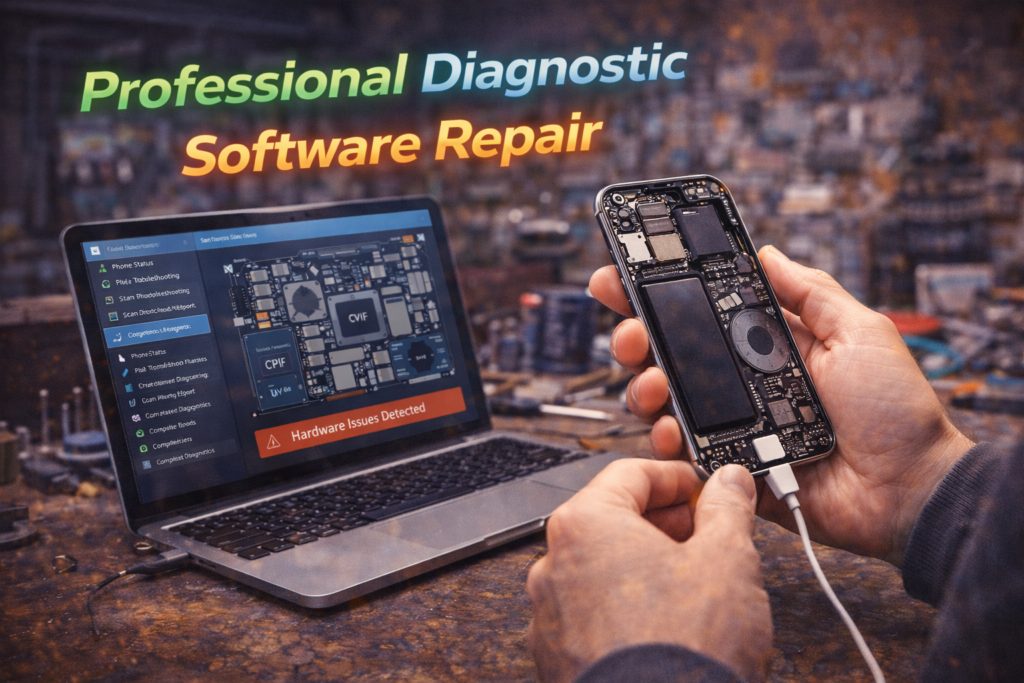
What Happens During Professional Diagnostic Software Repair
Step 1: Power Response Testing
- Measures how the phone reacts when power is applied
- Identifies silent activity vs true power failure
Step 2: Software Communication Attempts
- Attempts controlled system access
- Reads crash and boot logs
Step 3: Firmware and OS Repair
- Repairs corrupted system files
- Restores startup processes
- Avoids full reset when possible
Step 4: Hardware Stability Checks
- Battery behavior
- Voltage delivery
- Thermal response
Only after diagnostics is a repair path chosen.
Is Your Data Recoverable If the Phone Won’t Turn On?
In many cases, yes — if handled correctly.
Data recovery chances are high when:
- The phone hasn’t been reset
- Storage is intact
- Diagnostics are performed early
- Power issues are stabilized
Data recovery chances drop when:
- Multiple resets are attempted
- The phone remains dead for weeks
- Battery swelling or corrosion occurs
- DIY methods are used repeatedly
When You Should Seek Immediate Repair
Do not wait if:
- The phone shows no response at all
- Important data is on the device
- The phone shut down suddenly
- Charging does nothing
- The phone is required for work or security access
Waiting increases:
- Battery degradation
- Corrosion risk
- Data loss probability
Do you think that your Phone is need an immediate repair? Contact us now!
Phone Diagnostic Repair in St. Charles, MO
At Phone Factory in St. Charles, phones that won’t turn on are diagnosed daily using professional diagnostic software tools — not assumptions.
Rather than declaring devices “dead,” diagnostics determine whether recovery, software repair, battery stabilization, or data extraction is possible.
👉 Related service: Diagnostic & Software Repair in St. Charles, MO
Final Takeaway
A phone that won’t turn on is not automatically beyond repair. In most cases, the issue is caused by software corruption, battery instability, or power delivery failure — not complete device death.Guessing, force resets, and factory resets often make things worse. Professional diagnostic software repair identifies the real cause, protects your data, and gives the phone the best chance of recovery.