Accessory Not Supported Error
Introduction
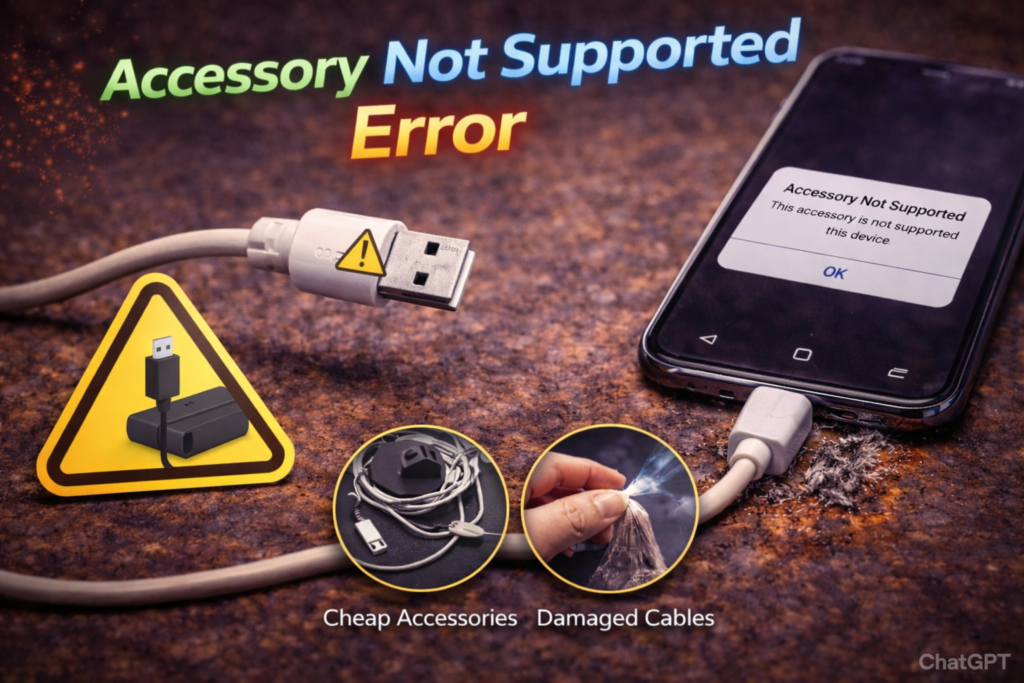
Seeing the message “Accessory Not Supported” when you plug in a charging cable is both confusing and frustrating. In St. Charles, this error is especially common on phones that have been used daily for several years or have experienced drops, moisture exposure, or recurring charging issues.
We frequently see this issue from customers near Zumbehl Road and the Mid Rivers Mall who assume the cable or charger is defective. In reality, this error is usually triggered by charging port communication failure, not the accessory itself.
Your phone is detecting that something about the connection is unstable or unsafe and is blocking power as a protective measure. This article explains why the accessory not supported error appears, what it means internally, how it relates to charging port damage, and when professional repair is required.
What the “Accessory Not Supported” Error Actually Means
Modern smartphones authenticate accessories before allowing charging or data transfer.
For charging to begin, the phone must:
- Detect stable power delivery
- Confirm correct electrical resistance
- Communicate through data lines in the charging port
If any part of this process fails, the phone blocks the connection and displays the error.
This is a safety response, not a software glitch.
Most Common Causes of the Error
1. Charging Port Contact Wear (Most Common Cause)
As charging ports age, internal contact surfaces wear down.
This causes:
- Unstable power and data communication
- Incorrect resistance readings
- Failed accessory authentication
When the phone cannot verify a safe connection, it displays the error.
👉 Learn more about Charge Port Repair in St. Charles
2. Bent or Contaminated Port Pins
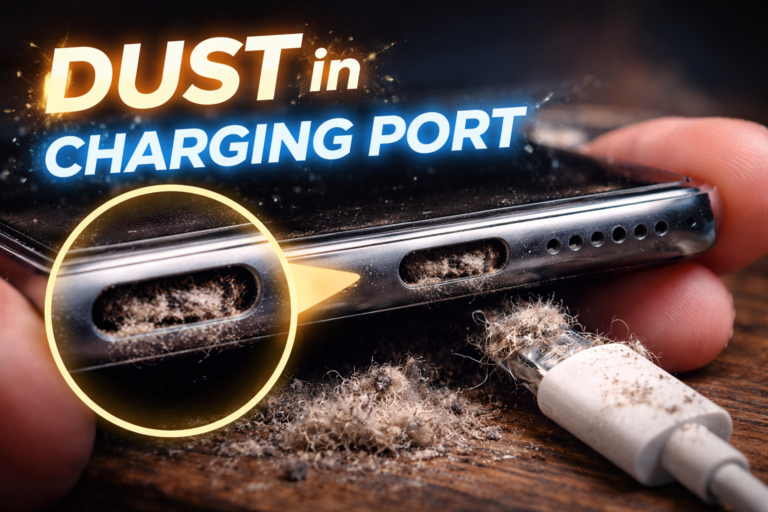
Dust, lint, or corrosion inside the port interferes with signal transmission.
Bent pins or debris can:
- Break data pathways
- Interrupt power negotiation
- Cause intermittent authentication failure
Even high-quality cables will trigger the error if port pins are compromised.
3. Internal Moisture or Corrosion Damage
Moisture exposure causes microscopic corrosion inside the charging port.
Corrosion:
- Alters electrical resistance
- Disrupts data signaling
- Leads to repeated accessory errors
This type of damage often worsens over time if not repaired.
4. Low-Quality or Damaged Cables (Secondary Cause)
While cables are not usually the root cause, poor-quality or damaged cables can:
- Fail accessory authentication
- Deliver unstable signals
If the error appears with multiple known-good cables, the charging port is almost always at fault.
Why Replacing the Cable Usually Doesn’t Fix the Error
If you have tried:
- Multiple cables
- Multiple chargers
- Different outlets
And the error still appears, the problem is internal. Replacing accessories does not repair worn or damaged port contacts.
How Professionals Diagnose Accessory Errors
A professional diagnostic scan evaluates:
- Charging port signal integrity
- Data line continuity
- Power negotiation stability
- Board-level communication
This determines whether the failure is:
- Charging port–related
- Cable-related
- Board-level
Accurate diagnosis prevents unnecessary part replacement.
👉 Learn more about Diagnostic Scan Services in St. Charles
Why Charge Port Repair Fixes Accessory Errors
Professional charge port repair:
- Replaces worn or damaged contacts
- Restores proper data communication
- Allows safe accessory authentication
Once repaired, cables and accessories are recognized normally again.
What Happens During Professional Charge Port Repair
A proper repair includes:
- Full device disassembly
- Detailed port inspection
- Replacement of damaged port components
- Secure reinstallation
- Charging and data verification testing
This restores reliable accessory support and charging.
When You Should Seek Repair
Seek professional repair if:
- The error appears repeatedly
- Charging is blocked
- Data transfer fails
- The phone is used daily for work or communication
Delaying repair increases the risk of complete charging failure.
Accessory Error Repair in St. Charles, MO
At Phone Factory in St. Charles, accessory not supported errors are diagnosed daily. Professional charge port repair restores stable charging and data communication for customers throughout St. Charles, including areas near Zumbehl Road and Mid Rivers Mall.
Related Services
Accessory Not Supported? Contact us now!
Final Takeaway
The “Accessory Not Supported” error is usually a warning sign of charging port communication failure, not just a bad cable.
Professional diagnosis and charge port repair restore safe, reliable charging and prevent complete port failure.