Professional Computer Repair

Reliable, expert computer repair for desktops, laptops, and workstations, built for speed, precision, and long-term performance.

Why Local Customers Choose Us:

Computer Repair – All Major Brands

Estimated Time:

Typical Price:

Warranty:

Walk-ins:

1–4 hours (varies by issue)

 $79–$349

90-day warranty

Yes

Estimated Time:

Typical Price:

Warranty:

Walk-ins:

1–4 hours (varies by issue)

 $79–$349

90-day warranty

Yes

Pricing Table

Device Type Typical Price Estimated Time
Virus & Malware Removal
$79–$149
1–3 hours
Hard Drive / SSD Replacement
$99–$249
1–2 hours
RAM Upgrade Installation
$69–$179
30–60 minutes
Operating System Reinstallation
$99–$149
1–3 hours
Power Supply Replacement
$119–$249
1–2 hours
Data Recovery (Logical)
$99–$299
1–3 days
Motherboard Repair
$149–$349
2–4 hours
General Hardware Repair
$89–$249
1–2 days
10–15 minutes
Free

Why Computer Repair Requires Professional Tools

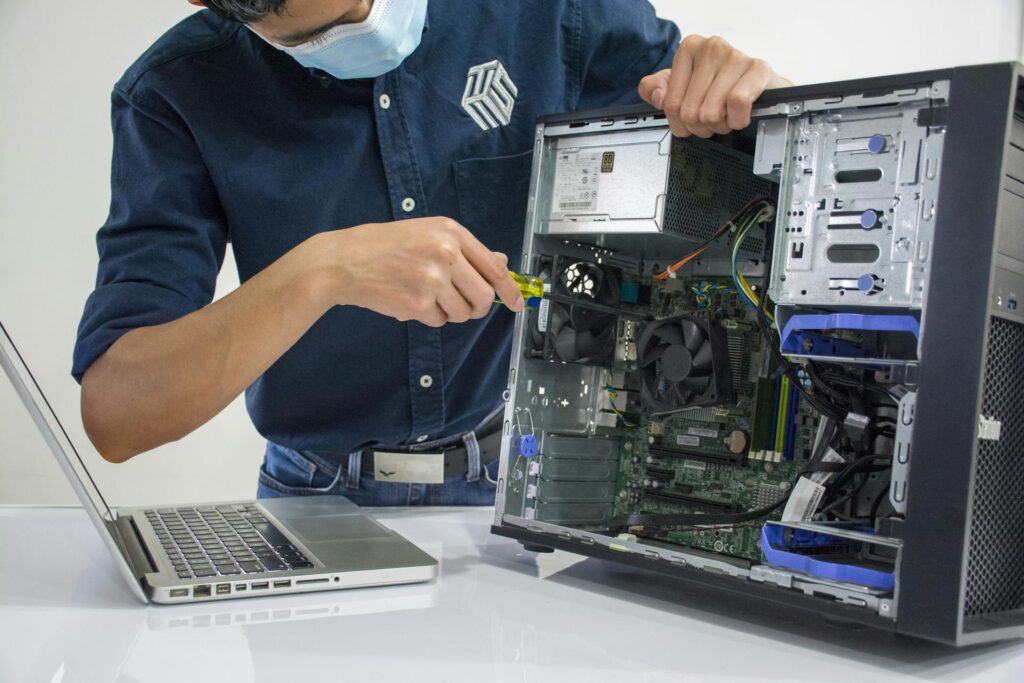
Modern computers are complex systems made up of interconnected hardware and software components. A failure in one area can affect the entire machine.

Professional computer repair requires:

  • Accurate hardware diagnostics
  • ESD-safe handling
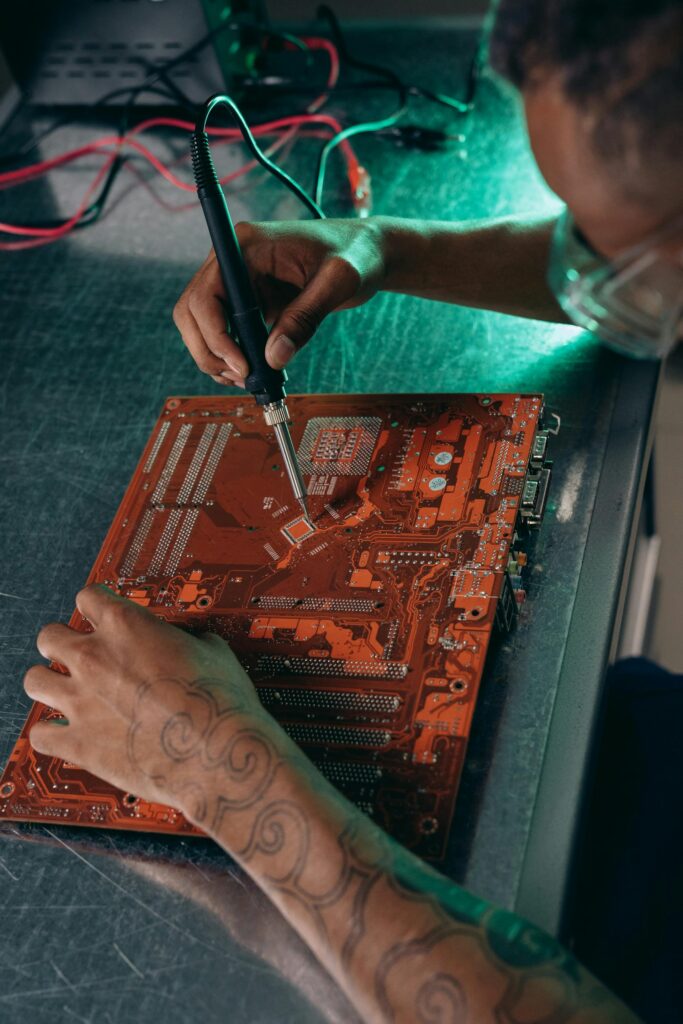
  • Component-level troubleshooting
  • Thermal management expertise
  • Secure data handling practices

Improper repairs can lead to data loss, overheating, recurring crashes, or permanent motherboard damage.

Our approach focuses on long-term stability, not temporary fixes.

What Types of Computer Problems Do We Repair?

We service all major desktop brands and custom-built systems.

Common Issues We Fix:

  • Computer won’t turn on
  • Slow startup or freezing
  • Blue screen errors
  • Random shutdowns
  • Overheating
  • Loud internal fans
  • No display output
  • USB ports not working
  • Internet connectivity issues
  • Corrupted operating system
  • Hard drive failure
  • Power supply damage


Before replacing your PC, let us evaluate it. Many problems are affordable to repair.

Complete Computer Repair Workflow

  1. Full system diagnostic


  2. Hardware and software evaluation


  3. Clear repair estimate


  4. Component repair or replacement


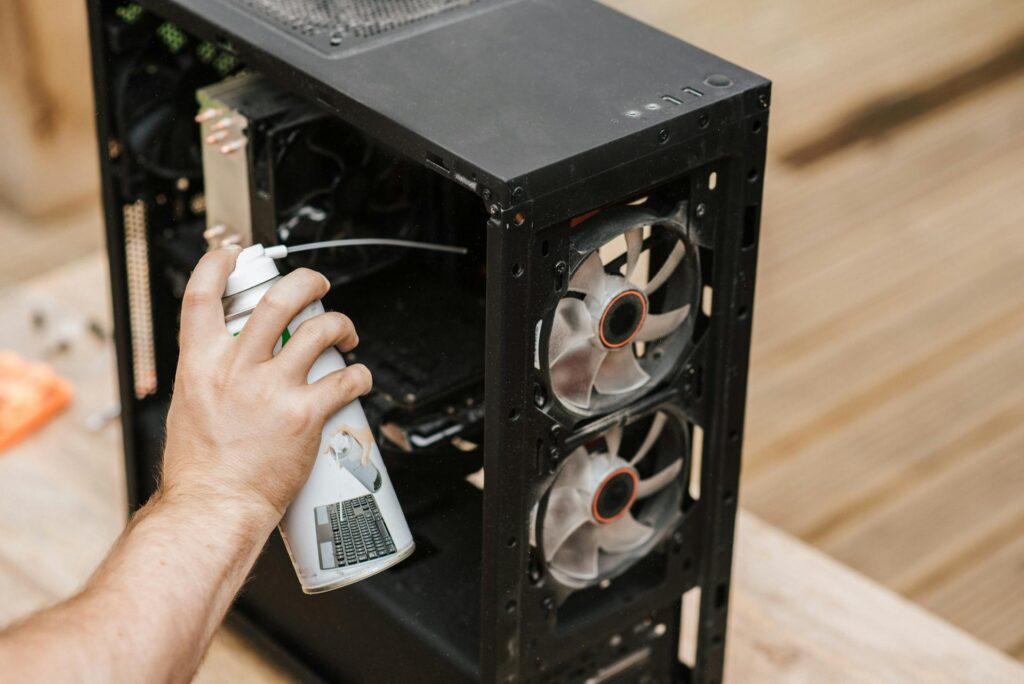
  5. Internal cleaning and thermal reset


  6. Operating system testing


  7. Stress testing and quality check

Who This Computer Repair Service Is For

This service is ideal for:

  • Home users with slow or non-working desktops
  • Students with performance issues
  • Small businesses needing reliable systems
  • Remote workers experiencing crashes
  • Gamers with overheating hardware

If your computer is unreliable, unstable, or completely unresponsive — repair is often far more cost-effective than replacement.

Common Computer Problems We Fix

Computers usually show clear warning signs before they completely fail. If your computer is not turning on, the problem is often a failed power supply, faulty motherboard, bad RAM, or power surge damage. When a system becomes very slow, freezes, or takes a long time to boot, the cause is typically an outdated hard drive, low memory, too many background programs, or malware running silently in the background.

Blue screen errors usually point to driver conflicts, failing storage devices, bad RAM, or overheating components. Virus or ransomware infections can cause pop-ups, locked files, stolen passwords, and severe slowdowns, all of which require proper removal and system cleanup. Overheating and loud fan noise are commonly caused by internal dust buildup, dried thermal paste, or failing cooling fans, which can eventually lead to shutdowns or hardware damage.

If files are missing, corrupted, or inaccessible, the issue may involve a failing hard drive, accidental deletion, virus damage, or file system errors. Random shutdowns or complete power failure often trace back to a defective power supply. Display problems such as “No Signal” messages or flickering screens are usually related to a faulty graphics card, loose cable connection, or driver issue.

Most of these problems are repairable when properly diagnosed and addressed early.

Computers usually show clear warning signs before they completely fail. If your computer is not turning on, the problem is often a failed power supply, faulty motherboard, bad RAM, or power surge damage. When a system becomes very slow, freezes, or takes a long time to boot, the cause is typically an outdated hard drive, low memory, too many background programs, or malware running silently in the background.

Blue screen errors usually point to driver conflicts, failing storage devices, bad RAM, or overheating components. Virus or ransomware infections can cause pop-ups, locked files, stolen passwords, and severe slowdowns, all of which require proper removal and system cleanup. Overheating and loud fan noise are commonly caused by internal dust buildup, dried thermal paste, or failing cooling fans, which can eventually lead to shutdowns or hardware damage.

If files are missing, corrupted, or inaccessible, the issue may involve a failing hard drive, accidental deletion, virus damage, or file system errors. Random shutdowns or complete power failure often trace back to a defective power supply. Display problems such as “No Signal” messages or flickering screens are usually related to a faulty graphics card, loose cable connection, or driver issue.

Most of these problems are repairable when properly diagnosed and addressed early.

Devices We Repair

We repair computers for all major brands, including desktops, laptops, and business systems.

Desktop Computers

Other Devices

Why Choose Our Computer Repair?

Certified Technicians
Trained in both hardware and software troubleshooting.

OEM-Grade Parts
Reliable, compatible, and tested components.

Data-Safe Procedures
Your personal files remain private.

Transparent Pricing
No hidden fees or surprise charges.

90-Day Warranty
Covers repair workmanship and replaced components.

5.0 Google Rating

Certified Technicians

Same-Day Service

OEM Components

What Our Customers Say

“My desktop wouldn’t power on and I thought it was done. The team diagnosed a failed power supply and had it repaired the same day. Excellent service.”

Mark T. St. Charles, MO

“My business computer was infected with ransomware. They removed the infection and secured the system without losing any data.”

Dwayne H. St. Charles, MO

“I spilled coffee on my laptop and it stopped working. They cleaned the board, replaced damaged components, and saved all my files.”

Mark T. St Charles, MO

Computer Repair FAQ

1. How long does computer repair take?

Most repairs are completed within 1–4 hours depending on the issue.

Yes. We handle devices carefully and offer backup options when necessary.

In many cases, repair and upgrades are far more affordable than replacement.

Yes. We service custom desktops and performance systems.

In most cases, yes, even when systems won’t power on.

Ready to Fix Your Computer?

Computer problems rarely resolve themselves. The longer you wait, the worse they can become.

Contact us today for fast, professional computer repair — and get your system running the way it should.