

Professional Computer Hardware Repair & Upgrades
Reliable, expert computer hardware repair and performance upgrades for desktops and laptops, built for speed, stability, and long-term reliability.
Why Local Customers Choose Us:
- Same-day hardware repairs and upgrades (most completed within 1–3 hours)
- Advanced component-level diagnostics
- 90-day warranty on workmanship
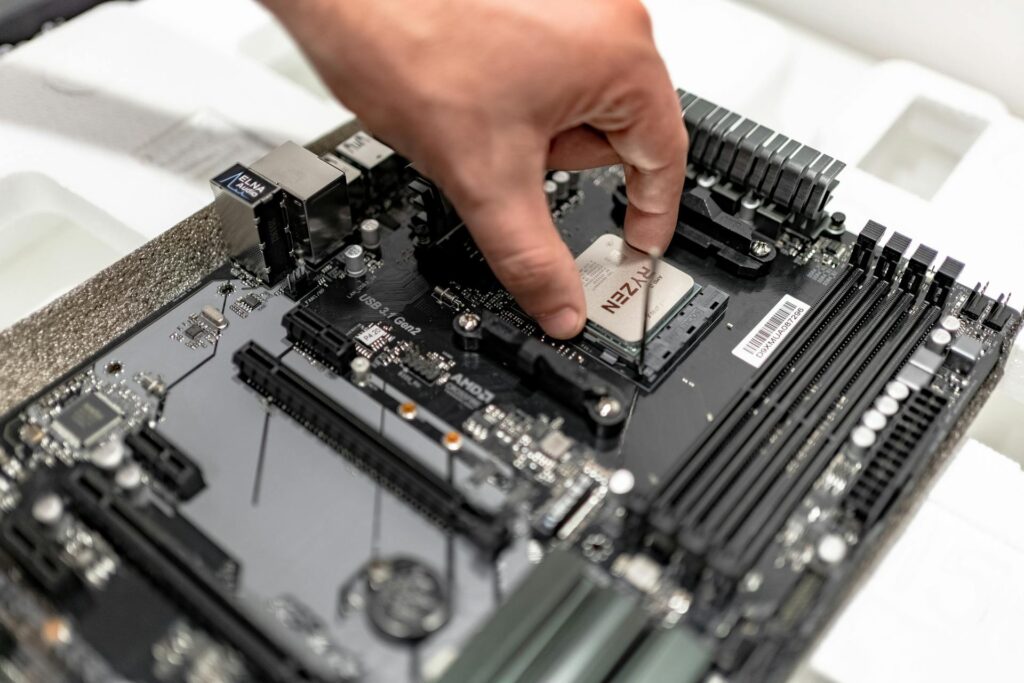
Computer Hardware Repair & Upgrades – All Major Brands
Estimated Time:
Typical Price:
Warranty:
Walk-ins:
1–3 hours (varies by severity)
$69–$499
90-day warranty
Yes
Estimated Time:
Typical Price:
Warranty:
Walk-ins:
1–3 hours (varies by issue)
$69–$499
90-day warranty
Yes
Pricing Table
| Device Type | Typical Price | Estimated Time |
|---|---|---|
RAM Upgrade |
$69–$179 |
30–60 minutes |
SSD Upgrade |
$99–$249 |
1–2 hours |
Power Supply Replacement |
$119–$249 |
1–2 hours |
Graphics Card Installation |
$129–$399 |
1–2 hours |
Motherboard Replacement |
$149–$499 |
2–4 hours |
Free |
15–20 minutes |
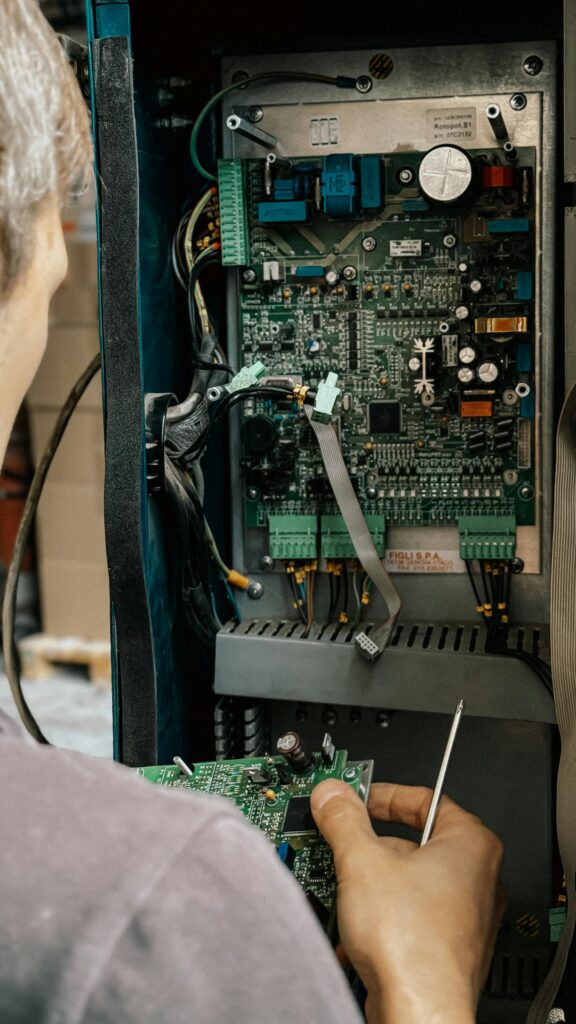
Why Computer Hardware Repair Requires Professional Tools
Modern computers contain tightly integrated components that must work together precisely. Installing the wrong part, using improper tools, or handling components without static protection can cause serious damage.
Professional hardware repair and upgrades involve:
- Accurate compatibility checks for parts
- ESD-safe handling to prevent static damage
- Precision tools for delicate connectors
- Proper cable management and airflow setup
- Correct BIOS and firmware configuration
- Secure data handling during part replacement
Improper installation can lead to overheating, instability, boot failure, or permanent motherboard damage. Our approach focuses on safe installation, optimized performance, and long-term reliability.
Why Computer Hardware Repair Requires Professional Tools
Modern computers contain tightly integrated components that must work together precisely. Installing the wrong part, using improper tools, or handling components without static protection can cause serious damage.
Professional hardware repair and upgrades involve:
- Accurate compatibility checks for parts
- ESD-safe handling to prevent static damage
- Precision tools for delicate connectors
- Proper cable management and airflow setup
- Correct BIOS and firmware configuration
- Secure data handling during part replacement
Improper installation can lead to overheating, instability, boot failure, or permanent motherboard damage. Our approach focuses on safe installation, optimized performance, and long-term reliability.
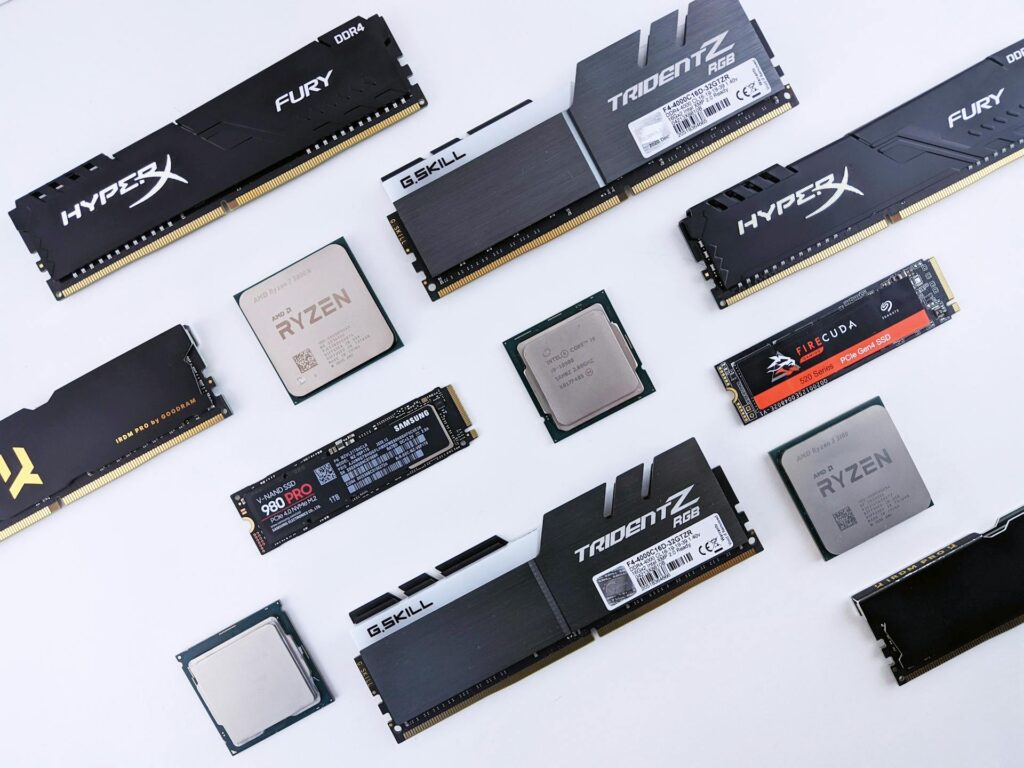
Complete Hardware Repair & Upgrade Workflow
Full system diagnostic
Compatibility and performance evaluation
Clear upgrade or repair recommendation
Professional part installation
Internal cleaning and airflow optimization
BIOS and system configuration
Performance testing and stability check
Final customer walkthrough
Who This Hardware Repair & Upgrade Service Is For
This service is ideal for:
- Home users with aging or slow systems
- Gamers wanting higher performance
- Students upgrading storage or memory
- Business users needing reliable workstations
- Professionals using resource-heavy software
If your computer is outdated, underperforming, or experiencing hardware failure. Upgrading or repairing is often more cost-effective than replacing the entire system.
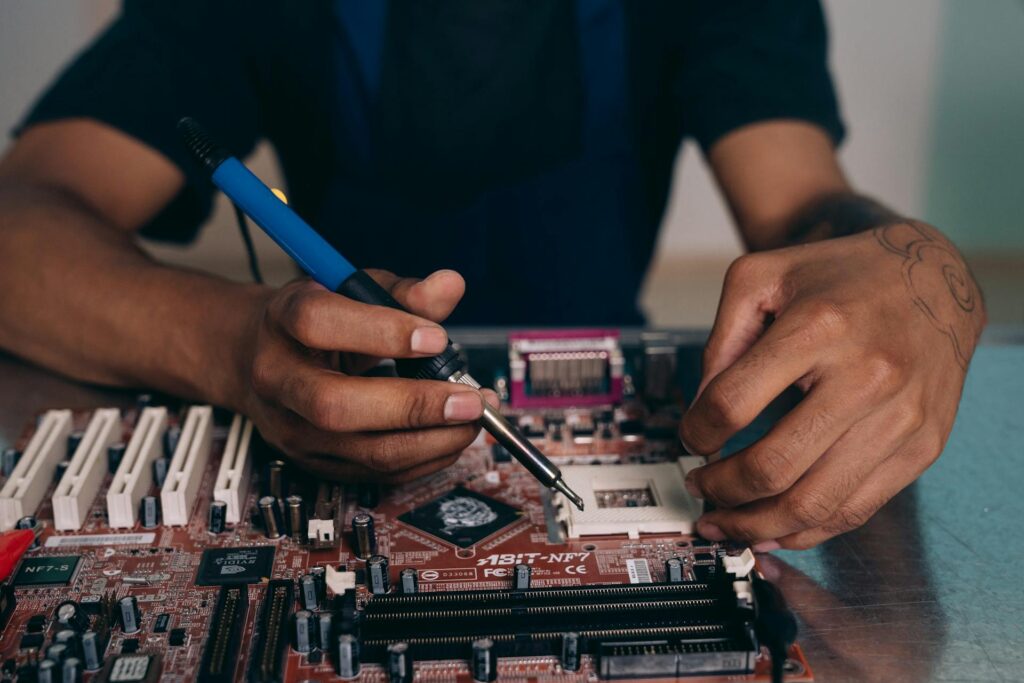
Common Hardware Issues & Upgrades We Handle
Hardware problems often develop gradually. If your computer randomly shuts down, fails to boot, or makes unusual noises, the issue may involve:
- Failing power supply
- Overheating CPU or GPU
- Faulty motherboard
- Damaged internal cables
If your computer feels slow or struggles with modern applications, upgrades may include:
- RAM expansion for smoother multitasking
- SSD installation for faster boot times
- Graphics card upgrade for gaming or design work
- CPU upgrades for improved processing power
Other common hardware repairs include replacing damaged ports, fixing cooling systems, and installing new internal storage drives. Most hardware problems and performance limitations can be resolved with proper diagnostics and professional installation.
Hardware problems often develop gradually. If your computer randomly shuts down, fails to boot, or makes unusual noises, the issue may involve:
- Failing power supply
- Overheating CPU or GPU
- Faulty motherboard
- Damaged internal cables
If your computer feels slow or struggles with modern applications, upgrades may include:
- RAM expansion for smoother multitasking
- SSD installation for faster boot times
- Graphics card upgrade for gaming or design work
- CPU upgrades for improved processing power
Other common hardware repairs include replacing damaged ports, fixing cooling systems, and installing new internal storage drives. Most hardware problems and performance limitations can be resolved with proper diagnostics and professional installation.
Devices We Repair
We remove viruses and malware from all major systems and brands.
Desktop Computers
Laptops
Other Systems
What Makes Our Hardware Service Different
Certified Technicians
Trained in advanced component installation and diagnostics.
OEM-Grade Parts
Compatible, reliable, and performance-tested components.
Proper Cooling & Optimization
We ensure airflow and thermal performance are optimized.
Transparent Pricing
Clear estimates with no hidden fees.
90-Day Warranty
Covers hardware installation and workmanship.

5.0 Google Rating

Certified Technicians

Same-Day Service

OEM Components
What Our Customers Say
“My computer was painfully slow. After upgrading to an SSD and adding RAM, it feels brand new.”
Hardware Repair & Upgrade FAQ
1. How long do hardware upgrades take?
Most virus cleanups are completed within 1–3 hours depending on severity.
2. Will upgrading improve performance?
In most cases, no. We focus on safe removal without affecting personal data.
3. Is it better to upgrade or replace my computer?
Not if properly removed and secured. We also install protection to prevent reinfection.
4. Do hardware repairs come with a warranty?
Yes, though recovery depends on the level of encryption and damage.
5. Will my data be safe during upgrades?
Yes. All workmanship includes a 90-day warranty.
Ready to Upgrade or Repair Your Hardware?
Outdated or failing hardware doesn’t mean you need a new computer.
Contact us today for professional hardware repair and performance upgrades and get your system running at its best.