Dropped Phone Touch Lag
Introduction
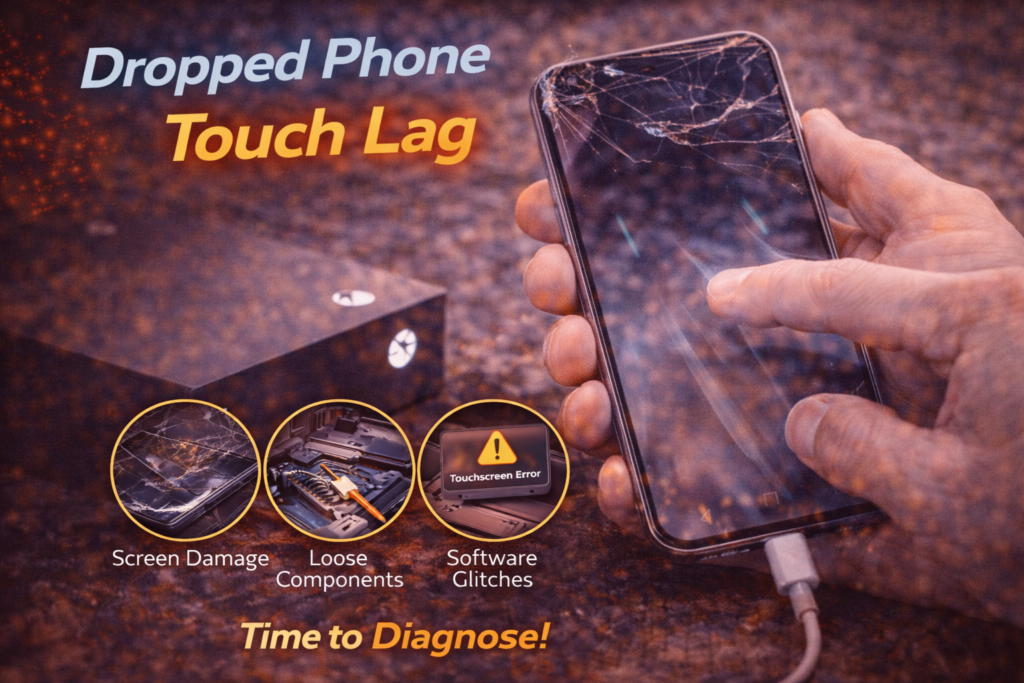
Touch lag after dropping a phone is one of the most overlooked warning signs of screen failure. The phone still turns on, the display lights up, and touch still works, but everything feels delayed, inaccurate, or inconsistent. Many people in St. Charles continue using their phone in this condition, assuming it is a temporary glitch.
We commonly see this issue in customers from areas near Zumbehl Road and the Mid Rivers Mall who delayed repair because the phone appeared usable. In reality, touch lag after a drop almost always means the screen’s digitizer layer has been damaged.
The problem rarely fixes itself and usually gets worse with time. This article explains why phones develop touch lag after being dropped, what is happening inside the screen, how to tell if the damage is spreading, and when professional screen replacement is the correct fix.
What Touch Lag Actually Means
Touch lag occurs when there is a delay between your finger touching the screen and the phone responding.
It often shows up as:
- Slow or choppy scrolling
- Delayed typing
- Missed taps
- Inaccurate gestures
- Touch only registering after repeated presses
Touch lag is not normal behavior for modern smartphones and is a strong indicator of internal screen damage.
How a Drop Causes Touch Lag
Impact Travels Through the Screen Layers
When a phone is dropped, the force does not stop at the glass. It travels through:
- The outer glass
- The digitizer layer
- The display panel
- Adhesive bonding layers
- The internal frame
Even if the glass does not crack, the digitizer can suffer internal micro-damage.
Partial Digitizer Failure
The digitizer detects touch using a grid of electrical signals. Impact damage can break or weaken part of that grid.
This causes:
- Delayed signal transmission
- Inconsistent touch recognition
- Touch registering only after extra pressure
Over time, these damaged areas expand, increasing lag and inaccuracy.
Common Signs Touch Lag Is Getting Worse
After a drop, touch lag often starts subtly and progresses.
Watch for:
- The keyboard missing letters
- Scrolling skipping or jumping
- Touch working better on one side of the screen
- Lag increasing when the phone warms up
- Touch failure inside certain apps
These are clear signs of internal screen failure.
Other Factors That Make Touch Lag Worse
Pressure Damage
Keeping a dropped phone in a tight pocket or sitting on it places constant pressure on an already weakened digitizer.
Moisture Exposure
Moisture entering through microscopic cracks interferes with electrical touch signals and accelerates failure.
Frame Bending
A slight frame bend after a drop can put continuous stress on the screen, worsening lag and causing new dead zones.
Why Touch Lag Is Rarely a Software Issue
Software-related touch lag is usually:
- Temporary
- App-specific
- Resolved by restarting
Hardware-related touch lag:
- Occurs across all apps
- Persists after restarts
- Gets worse over time
If touch lag started after a drop, the cause is almost always physical damage.
Early Warning Signs Touch Failure Is Approaching
Before full touch failure, many users notice:
- Touch delay increasing daily
- Certain areas becoming unresponsive
- The phone unlocking inconsistently
- Lag worsening during charging
These signs indicate escalating digitizer failure.
Is Your Data at Risk?
In most cases, your data is safe.
Because the phone is still powered on:
- Photos and videos remain intact
- Contacts and messages are unaffected
- Apps and system data remain stored
Screen replacement does not erase data. Risk increases only if moisture or further internal damage occurs.
Why Screen Replacement Is the Only Reliable Fix
Because the digitizer is fused to the display, it cannot be repaired separately.
Professional screen replacement:
- Removes the damaged digitizer
- Restores instant, accurate touch response
- Prevents complete touch failure
- Protects internal components
Delaying repair often leads to total touch loss.
👉 Learn more about Screen Replacement in St. Charles
What Happens During Professional Repair
A professional screen repair includes:
- Full diagnostic confirmation
- Safe removal of the damaged screen
- Installation of an OEM-grade display
- Proper alignment and sealing
- Comprehensive touch accuracy testing
This restores the phone’s original responsiveness.
When You Should Replace the Screen Immediately
Seek repair right away if:
- Touch lag appeared after a drop
- Typing is difficult or inaccurate
- Touch stops working in certain areas
- The phone is used daily for work or communication
Early repair prevents more expensive damage later.
Touch Lag Screen Repair in St. Charles, MO
At Phone Factory in St. Charles, touch lag issues are diagnosed and repaired daily. High-quality replacement screens restore fast, accurate touch response and long-term reliability for customers throughout St. Charles, including areas near Zumbehl Road and Mid Rivers Mall.
Related Services
Touch Lag After Dropping Your Phone? Contact us now!
Final Takeaway
Touch lag after dropping a phone is a clear warning sign of internal screen damage. While the phone may still function, the problem will continue to worsen without repair.
Professional screen replacement restores responsiveness, prevents full touch failure, and keeps your phone reliable for everyday use.