How To Fix Slow Phone Performance
Why Phones Slow Down Over Time
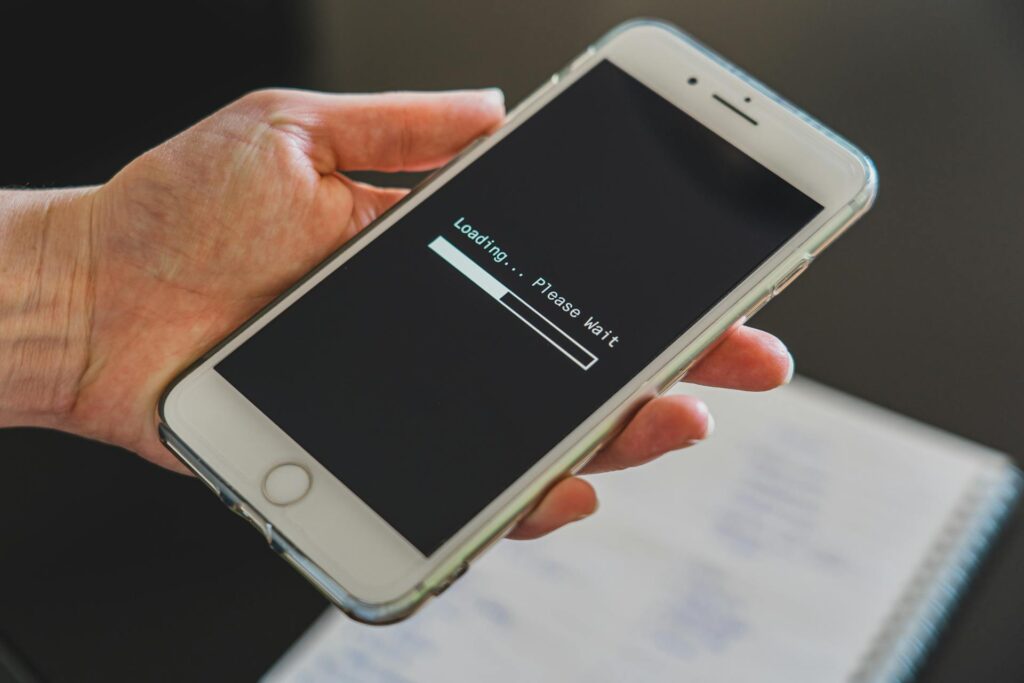
A slow phone is one of the most frustrating issues for people in St. Charles. It doesn’t matter if it’s an iPhone, Samsung, or another brand — every device eventually starts lagging, freezing, or running apps slower than normal. Most people assume it means the phone is old or needs to be replaced, but that’s not always the case.
Phone performance is influenced by software, battery health, storage levels, background processes, and hardware wear. Even small issues inside the phone can cause delays. A slowdown doesn’t always mean the device is dying — it often means it needs proper cleanup, diagnostics, or a targeted repair.
Here’s a breakdown of what causes slow performance and what you can do to fix it.
The Real Reasons Phones Slow Down
Phones become slow for a variety of reasons:
- Background apps running nonstop
- Low storage space reducing operating efficiency
- Aging batteries that can’t handle performance demands
- Too many system updates stacked on older hardware
- Corrupted apps or files slowing system processes
- Overheating reducing CPU speeds
- Liquid or impact damage affecting internal components
Many of these problems aren’t visible, but they affect how your phone responds.
The Importance of Proper Diagnostics
A professional repair shop in St. Charles can identify issues that typical at-home solutions miss. They can check:
- Battery health and cycles
- CPU temperature and throttling
- Storage performance and corrupt sectors
- App-level conflicts
- Crash logs that point to deeper system failures
Randomly deleting apps or installing “phone cleaner” programs rarely solves the real problem.
What Makes Professional Performance Diagnostics Effective
Anyone can restart a phone or clear apps, but true performance recovery requires understanding how the device’s operating system and hardware work together.
Professional repair shops use:
- System-level diagnostic tools that detect CPU throttling and RAM overload
- Thermal sensors to test for overheating
- Battery analyzers to measure real-time power supply performance
- Software repair tools to fix corrupted firmware files
- Component inspection to rule out hidden damage
Technicians know how to interpret system logs, understand error codes, and identify root causes.
Why DIY Fixes Often Don’t Last
Many people try to fix slow phones by:
- Installing “optimization apps” (most are junk)
- Clearing random settings
- Resetting the phone without diagnosis
- Deleting apps blindly
These methods may give temporary relief, but they don’t solve the deeper cause — especially if the slowdown is from a failing battery, corrupt OS, or hidden hardware damage.
Complete Breakdown of How To Fix a Slow Phone in St. Charles
Below is a detailed guide that separates temporary fixes from long-term solutions.
Step 1: Restart the Device
A restart clears temporary memory (RAM). This is the first and easiest step.
Step 2: Close Background Apps
Too many apps open at once drain resources. Close everything you’re not using.
Step 3: Check Storage Space
Phones slow down significantly when storage is nearly full. Clear out:
- Large videos
- Old downloads
- Duplicate files
- Cached data
Step 4: Update the Operating System
Outdated software can cause slowdowns or software conflicts.
Step 5: Remove Problematic Apps
Apps that crash often or drain battery quickly can slow the entire phone.
Step 6: Check Battery Health
A weak battery forces the phone to reduce performance to avoid shutdowns.
Step 7: Look for Overheating
Phones slow themselves down to prevent damage when they get too hot.
Step 8: Run Professional Diagnostics
If all basic fixes fail, the problem is likely:
- Corrupt firmware
- Failing storage chips
- Weak battery
- Damaged internal components
A technician can perform deep-level software repair or replace the failing part.
Helping St. Charles Residents Solve Slow Phone Issues
People in St. Charles search for ways to fix slow phone performance because they want:
- Fast results
- A phone that runs like new
- Honest answers
- A solution that doesn’t erase data
This article helps residents understand what causes slowdowns and what steps provide real results.
When To Visit a Repair Shop in St. Charles
You should get diagnostics if your phone:
- Lags even after restarting
- Freezes randomly
- Overheats during light tasks
- Runs out of battery fast
- Takes long to open apps
These symptoms indicate deeper hardware or software issues that require expert attention.