How To Tell If Your Phone Screen Needs Replacement
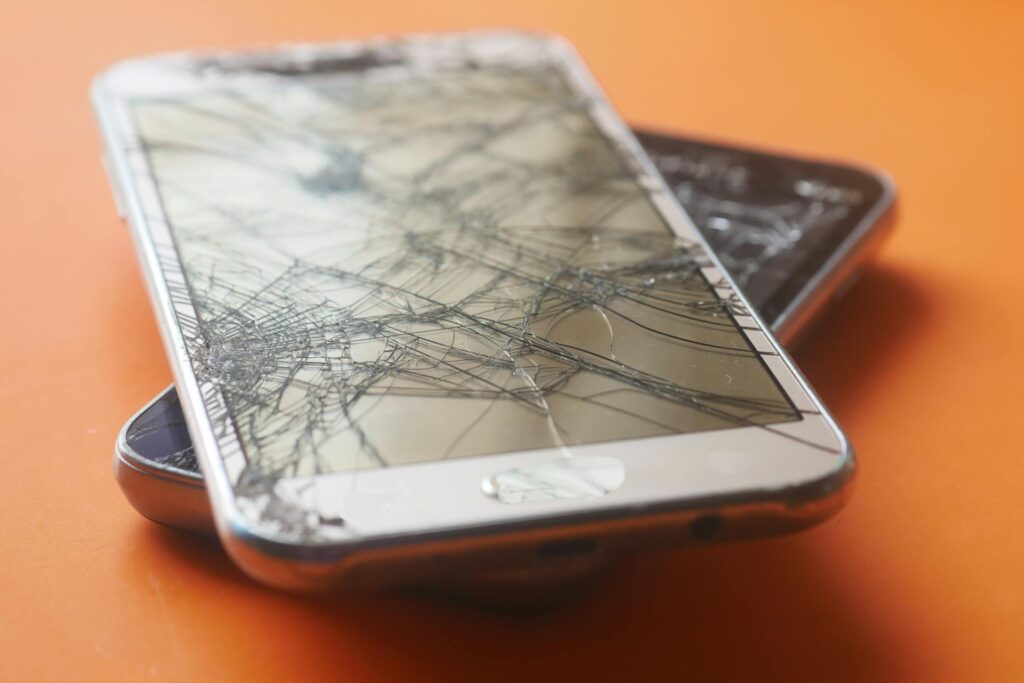
A failing phone screen isn’t always obvious. Sometimes the damage is visible, but other times the signs are subtle until the display stops responding altogether. Understanding the early warning signs helps prevent deeper issues like touch failure, dead areas, or full display breakdown.
Below is a full guide to every symptom that tells you a screen replacement is needed, why it happens, and what ignoring it can lead to.
1. Cracks, Hairline Fractures, and Surface Damage
Even minor cracks weaken the entire screen structure. What starts as a tiny scratch can spread into long fractures with regular use.
Cracks can lead to:
- Touch issues
- Bright spots
- Display discoloration
- Sharp edges that make the phone unsafe
Hairline cracks are especially dangerous because they spread from temperature changes and pressure.
Why It Happens
- Drops and impacts
- Pressure from sitting on the device
- Temperature changes that stress the glass
- Poor-quality screen protectors
What Happens If You Ignore It
Cracks spread, weakening the digitizer layer and eventually causing ghost touch or dead zones.
2. Flickering, Brightness Changes, or Random Dimming
If your phone flickers or the brightness changes on its own, the internal display layers are already failing.
Causes of Flickering
- Damage to the OLED/LCD layers
- Loose display connector after a drop
- Internal pressure on the screen
- Failing backlight (LCD models)
What It Means
Flickering is one of the earliest signs the screen’s electrical pathways are damaged.
3. Vertical or Horizontal Lines on the Screen
Lines across the screen mean the LCD/OLED panel is failing.
Why Lines Appear
- Damaged display cables
- Internal pixel driver failure
- Pressure damage
- Burns or corner impacts
Why This Needs Immediate Repair
Lines spread quickly and usually lead to full display failure.
4. Ghost Touch / Random Tapping or Swiping
Ghost touch happens when the digitizer (the touch layer) is damaged.
Symptoms
- Apps opening on their own
- Random typing
- Screen scrolling without touching it
Why This Happens
- Damaged digitizer
- Water intrusion
- Internal short from pressure cracks
Ghost touch can make the phone unusable.
5. Black Spots, Smudges, or “Ink” Leaks in the Screen
Dark spots or ink-like spreading means internal pressure damage.
Causes
- OLED pixel damage
- Internal fluid leaks from pressure
- LCD layer breakage
This damage grows over time and eventually kills the display.
6. Touchscreen Dead Zones or Delayed Response
If parts of the screen don’t respond, the touch digitizer has failed.
Signs
- Areas where tapping does nothing
- Slow gesture response
- Multi-touch issues
Dead zones spread and cannot self-correct.
7. Screen Lifting From the Frame
If the display is lifting, the phone is unsafe.
Causes
- Swollen battery
- Frame warping
- Poor-quality past repair
Why It’s Dangerous
A lifted screen can break suddenly or damage internal components.
8. Delayed Display or Black Screen but Phone Still Works
If the phone vibrates or makes sounds but stays black, the display is dead.
Causes
- Burnt display IC
- Damaged OLED/LCD
- Disconnected screen cable
This requires immediate replacement.
When To Replace Your Screen
If your phone has cracks, flickering, ghost touch, dead zones, or black spots, the screen is already failing. Replacing it prevents deeper issues and restores full usability.