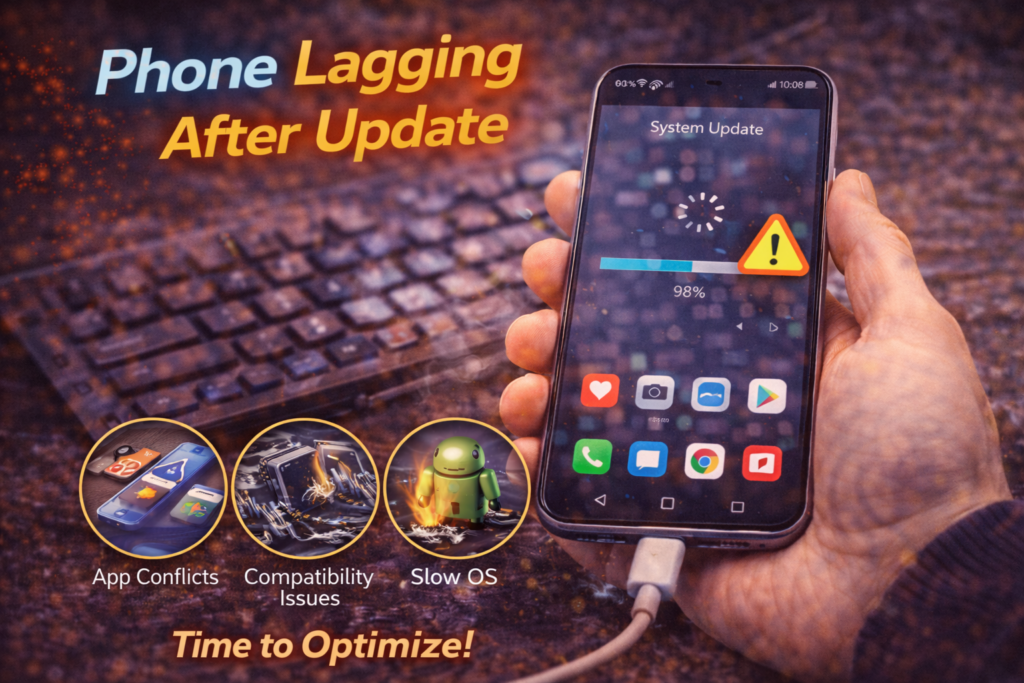
Phone Lagging After Update
Introduction
Few things are more frustrating than installing a software update and immediately noticing your phone feels slower than before. Apps take longer to open. Typing lags behind your fingers. Scrolling stutters. In St. Charles, this is one of the most common complaints we hear after major iOS or Android updates.
Many users assume the update itself is “bad” or broken. Others believe their phone has suddenly become too old to handle new software. In reality, most updates do not create lag — they expose underlying problems that were already developing inside the device.
A phone lagging after an update is usually dealing with software reindexing, storage strain, battery instability, or system optimization conflicts. When these issues combine, performance drops quickly and persistently.
This article explains why phones lag after updates, what’s happening behind the scenes, why common DIY fixes rarely work, and how professional diagnostic software repair restores normal performance without unnecessary resets or data loss.
What “Lagging After an Update” Really Means
Lag is not just “slowness.” It is delayed system response caused by internal bottlenecks.
Post-update lag may include:
- Delayed app launches
- Keyboard input delay
- Choppy scrolling
- Freezing animations
- Apps closing unexpectedly
- Touch response feeling “heavy”
These symptoms indicate the phone is struggling to balance new software demands with aging hardware or corrupted system data.
Why Software Updates Stress Phones
Updates are complex system-wide changes. After installation, the phone must:
- Rebuild system indexes
- Re-optimize apps
- Reconfigure background services
- Adjust power management rules
- Apply new security layers
On a healthy device, this settles within days. On a stressed device, it never stabilizes.
Most Common Reasons Phones Lag After Updates
1. Background Re-indexing That Never Finishes
After updates, phones reindex:
- Photos
- Messages
- Apps
- System files
If storage or memory is strained, this process:
- Runs constantly
- Competes with user activity
- Causes long-term lag
This is especially common on phones with nearly full storage.
2. Storage Bottlenecks Exposed by the Update
Updates increase:
- System file size
- Cache usage
- App storage demands
If storage is near capacity:
- Read/write speeds drop
- App loading slows
- System processes stall
Lag continues until storage issues are resolved properly.
3. Battery Instability Affecting Performance
As batteries age, they struggle to deliver stable voltage during high demand.
After updates:
- Background processing increases
- Power demand spikes
- Voltage drops occur
To protect the device, the system throttles performance — creating lag.
4. Corrupted System Files or Failed Optimization
Sometimes updates don’t complete cleanly.
This can leave:
- Broken system libraries
- Conflicting processes
- Unfinished optimization loops
The phone technically “works” but runs inefficiently.
5. App Compatibility Conflicts
Older apps may not be optimized for new OS versions.
This leads to:
- Background crashes
- Excess CPU usage
- Memory leaks
- Constant system interruption
Lag appears system-wide, not just in one app.
Why Restarting Rarely Fixes Persistent Lag
Restarting helps when:
- Temporary memory is full
- A single app is frozen
It does not fix:
- Corrupted system files
- Battery instability
- Storage bottlenecks
- Failed post-update optimization
That’s why lag often returns minutes after reboot.
Why Factory Reset Is Often the Wrong First Step
Many people jump straight to a factory reset. This is risky because:
- It erases data unnecessarily
- It doesn’t address hardware instability
- It may reintroduce lag after reinstallation
- It masks deeper problems
In many cases, lag can be resolved without wiping the phone.
How Professionals Diagnose Post-Update Lag
Professional diagnostics look at why the phone is slow, not just that it is slow.
A diagnostic software repair evaluates:
- CPU load behavior
- Background process loops
- Storage performance
- Battery voltage stability
- System log errors
- Update integrity
This identifies whether lag is:
- Software-only
- Battery-influenced
- Storage-related
- Multi-factor
Why Diagnostic Software Repair Is the Correct Fix
Diagnostic software repair allows technicians to:
- Repair corrupted system files
- Clear failed optimization loops
- Rebuild indexes safely
- Stabilize power management
- Preserve user data
Instead of guessing, diagnostics pinpoint the real bottleneck.
What Happens During Diagnostic Software Repair
Step 1: System Health Scan
- Identifies background conflicts
- Detects stuck processes
Step 2: Storage and Index Repair
- Clears stalled indexing
- Repairs file system inefficiencies
Step 3: Firmware Optimization
- Rebuilds system libraries
- Resolves update-related corruption
Step 4: Performance Validation
- Confirms smooth app launching
- Verifies touch responsiveness
- Ensures stability under load
Can Software Tweaks Fix the Lag?
Minor tweaks may help briefly, such as:
- Disabling background refresh
- Reducing animations
- Closing unused apps
However, if lag:
- Appears across the system
- Started immediately after an update
- Persists for weeks
- Worsens over time
The issue is deeper than settings.
When Lag Is a Warning Sign, Not an Annoyance
Persistent lag often signals:
- Impending boot failure
- Storage collapse
- Battery failure
- System corruption
Ignoring it increases the risk of:
- Phone freezing completely
- Random shutdowns
- Data access problems
Phone Diagnostic Repair in St. Charles, MO
At Phone Factory in St. Charles, post-update lag issues are diagnosed daily using professional diagnostic software tools — not resets or guesswork.
Most phones slow after updates because something underneath needs correction, not replacement.
👉 Related service: Diagnostic & Software Repair in St. Charles, MO
Final Takeaway
When a phone lags after an update, the update isn’t the enemy. It’s the stress test that revealed underlying problems.
Persistent lag is caused by software corruption, storage strain, battery instability, or failed optimization — all of which can be identified and corrected through professional diagnostic software repair.
Fix the cause, not the symptom! Contact us now!