PS5 Not Reading Discs Dirty Lens or Drive Failure
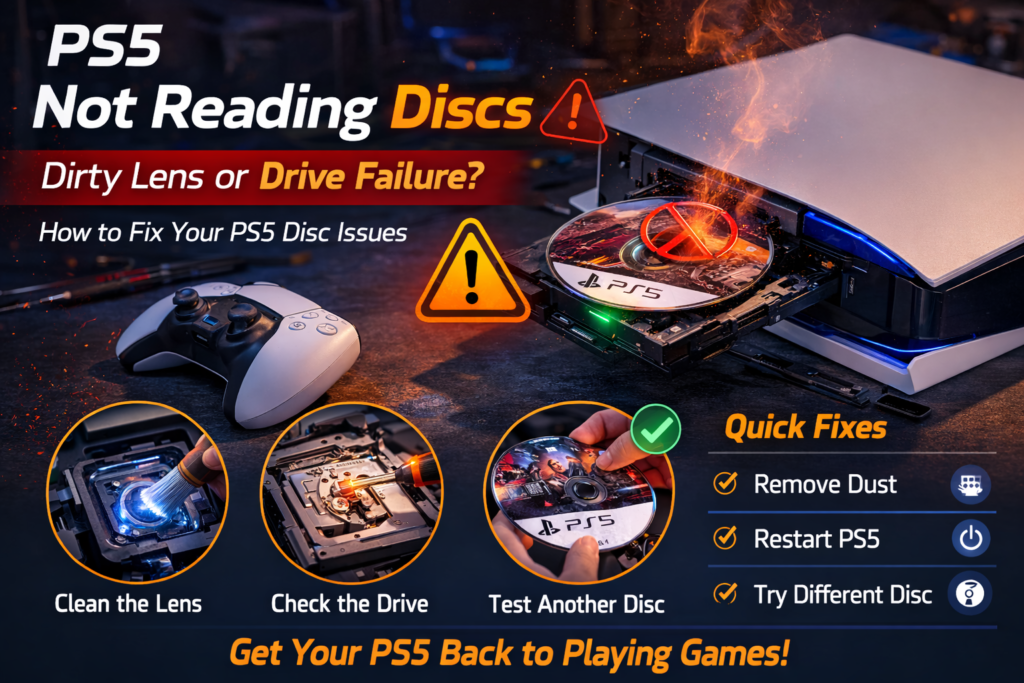
Introduction
A PlayStation 5 that suddenly stops reading discs can bring gaming to a complete halt. You insert a game or movie disc, wait for the familiar spin-up sound, and instead see an error message — or nothing happens at all. In many cases, the disc doesn’t even register.
In St. Charles and surrounding areas, this is one of the most common PS5 hardware issues we see, especially on consoles that have been used daily, moved frequently, or exposed to dust and heat. While many people immediately blame the disc itself, repeated disc read failures almost always point to a problem inside the console.
A PS5 disc issue is rarely random. It usually stems from a dirty laser lens, mechanical wear inside the drive, alignment issues after a drop, or internal component failure.
This article explains:
- How the PS5 disc drive works
- Why discs stop being recognized
- The difference between lens contamination and drive failure
- What you can safely check at home
- When professional repair is the only reliable solution
How the PS5 Disc Drive Works
The PS5 disc drive is a precision mechanical system. It includes:
- A laser lens that reads data from the disc
- Motors that spin the disc at varying speeds
- Mechanical rails that move the laser assembly
- Sensors that detect disc insertion and alignment
- Control boards that communicate with the system
When a disc is inserted:
- The console detects the disc
- The disc spins
- The laser reads data
- The system verifies the content
- The game or media loads
If any step fails, the PS5 will not read the disc.
What “Not Reading Discs” Usually Looks Like
Disc-related problems can appear in several ways:
- Disc inserts but nothing happens
- “Unrecognized Disc” error
- PS5 spins the disc briefly then stops
- Loud clicking or grinding noises
- Disc reads intermittently
- Blu-ray movies fail but games work (or vice versa)
The pattern of failure often helps identify the cause.
Most Common Reasons PS5 Stops Reading Discs
1. Dirty or Contaminated Laser Lens (Most Common Cause)
Dust is the leading cause of disc read failure.
Over time:
- Dust enters through vents
- Particles settle on the laser lens
- Smoke, pet hair, or humidity worsen buildup
A dirty lens cannot accurately read disc data. Even a thin layer of contamination can cause read errors.
Symptoms often include:
- Disc spins but isn’t recognized
- Intermittent reading
- More failures over time
This problem worsens gradually and does not fix itself.
2. Disc Drive Mechanical Wear
The PS5 disc drive includes moving parts that wear over time:
- Spindle motors
- Rail mechanisms
- Loading gears
Mechanical wear can cause:
- Disc not spinning consistently
- Grinding or clicking sounds
- Disc eject issues
- Inconsistent reading
This is more common on heavily used consoles.
3. Misalignment After a Drop or Impact
A drop or strong jolt can shift internal alignment.
Even if the console looks fine externally:
- The laser can shift slightly
- Rails can bend
- Mounting brackets can loosen
Misalignment causes the laser to miss the data track on the disc, resulting in read failure.
This is common after:
- Console being moved while powered on
- Falls from entertainment centers
- Shipping damage
4. Laser Diode Failure
Over time, the laser itself can weaken.
Laser failure causes:
- No disc recognition at all
- Disc spins continuously without loading
- Failure across all disc types
This issue requires component replacement.
5. Software Is Rarely the Cause
While system updates can sometimes cause temporary glitches, persistent disc read errors are almost always hardware-related.
If:
- Multiple discs fail
- Errors persist after restart
- System is updated
The problem is physical, not software-based.
Why Cleaning the Disc Rarely Fixes the Issue
Many users clean discs repeatedly without success.
If:
- Multiple known-good discs fail
- New discs don’t read
- Errors persist
The issue is inside the PS5, not on the disc surface.
What You Can Safely Check at Home
Before seeking repair, you can safely check a few things.
Test Multiple Discs
- Try games and Blu-ray movies
- Use clean, scratch-free discs
Check Console Position
- Ensure the PS5 is upright or horizontal as designed
- Avoid unstable surfaces
Listen for Drive Sounds
- Grinding or repeated clicking indicates mechanical issues
- No sound may indicate sensor failure
Restart the Console
- Fully power down
- Unplug for a few minutes
- Restart and test again
If issues persist, internal repair is likely needed.
What NOT to Do
Avoid these common mistakes:
❌ Inserting cleaning discs
❌ Spraying compressed air into the disc slot
❌ Opening the console without experience
❌ Forcing discs in or out
❌ Repeatedly ejecting stuck discs
These actions often cause more damage.
Dirty Lens vs Drive Failure – How to Tell the Difference
Dirty lens indicators:
- Disc spins briefly
- Intermittent success
- Gradual worsening
Drive failure indicators:
- Loud mechanical noises
- No disc detection at all
- Disc won’t spin
- Immediate errors
Both require internal service to fix properly.
Why DIY Disc Drive Repair Is Risky
The PS5 disc drive:
- Is tightly packed
- Uses fragile ribbon cables
- Requires precise alignment
- Is easy to damage during disassembly
DIY attempts often result in:
- Broken connectors
- Scratched lenses
- Bent rails
- Total drive failure
Professional tools and experience matter.
How Professionals Fix PS5 Disc Read Issues
A proper repair may include:
- Full internal inspection
- Safe disc drive removal
- Laser lens cleaning or replacement
- Drive mechanism servicing
- Alignment correction
- System testing with multiple discs
This restores consistent disc reading.
Learn more about PlayStation Repair in St. Charles Phone Factory
When Disc Drive Repair Is Required
Seek professional repair if:
- Discs are never recognized
- Errors occur with multiple discs
- Grinding or clicking sounds are present
- Issue followed a drop or move
- Cleaning discs did not help
Delaying repair often worsens damage.
Final Takeaway
When a PS5 stops reading discs, the issue is almost always internal. Dirty laser lenses, mechanical wear, misalignment, or laser failure are the most common causes. While symptoms may start intermittently, they almost always worsen over time.
Early professional repair can restore disc functionality and prevent full drive failure. Ignoring the issue or attempting risky DIY fixes often leads to more expensive damage.
PS5 stops reading discs? Contact us now!