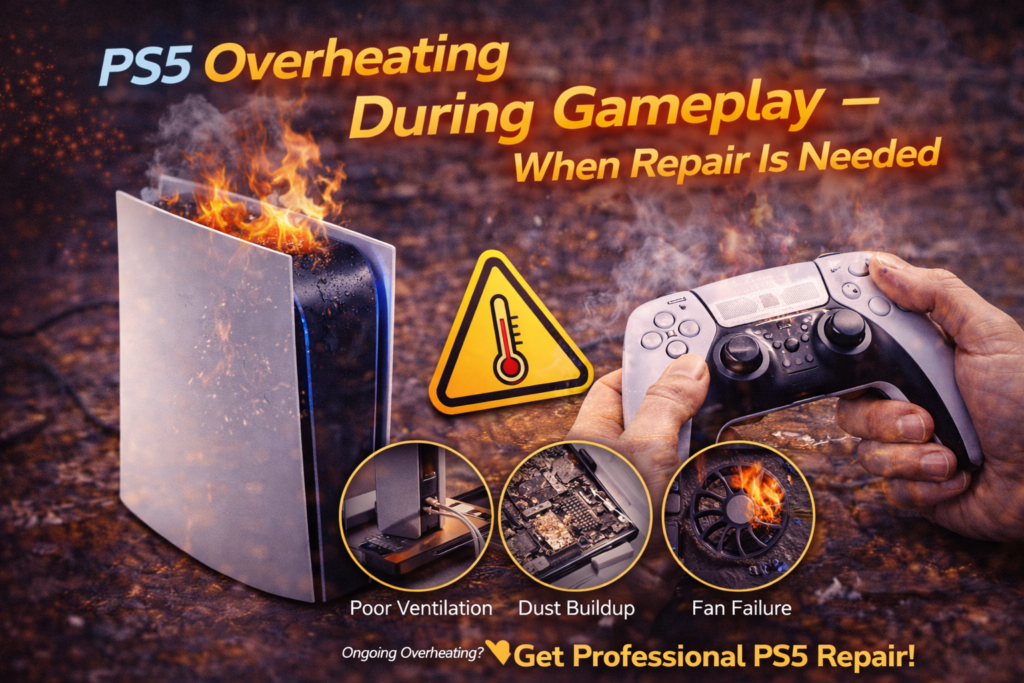
PS5 Overheating During Gameplay – When Repair Is Needed
Introduction
A PlayStation 5 is designed to handle intense gaming sessions, including demanding AAA titles, long playtimes, and high frame rates. So when a PS5 begins overheating during gameplay, shutting down mid-game, displaying temperature warnings, or sounding unusually loud, it’s a clear sign something is wrong.
In many cases, overheating starts subtly. The console may run louder than usual, feel warmer to the touch, or show brief performance drops. Over time, these symptoms worsen until the PS5 begins shutting itself off to prevent damage. By the time that happens, internal components may already be under significant stress.
Overheating is not just a comfort issue — it’s a hardware safety problem. Excess heat degrades components, weakens solder joints, dries thermal compound, and shortens the lifespan of the console.
This article explains:
- Why PS5 consoles overheat during gameplay
- What overheating looks like at different stages
- What causes heat buildup internally
- What you can safely check at home
- When professional repair is no longer optional
Understanding overheating early can prevent permanent damage to your PS5.
What PS5 Overheating During Gameplay Looks Like
Overheating doesn’t always start with a shutdown. Most consoles show warning signs first.
Common overheating symptoms include:
- Fan becoming very loud shortly after starting a game
- Console shutting off mid-game without warning
- “PS5 is too hot” system message
- Frame rate drops or stuttering
- Game crashes after extended play
- Console feels unusually hot near rear vents
These symptoms usually appear only during gameplay, not while sitting idle. That’s a key indicator that heat generation exceeds cooling capacity under load.
Why the PS5 Generates So Much Heat
The PS5 uses:
- A high-performance AMD CPU/GPU
- Fast GDDR6 memory
- Advanced ray tracing
- High clock speeds
During gameplay, especially in graphically intensive titles, power consumption and heat output increase dramatically. The cooling system is designed to handle this — as long as airflow and heat transfer remain optimal.
When cooling efficiency drops even slightly, temperatures rise quickly.
Most Common Causes of PS5 Overheating
1. Dust Buildup Inside the Console (Most Common Cause)
Dust is the #1 cause of PS5 overheating.
Over time, dust accumulates:
- On the internal fan blades
- Inside the heatsink fins
- Around air intake and exhaust paths
- On the power supply vents
Dust acts as insulation, trapping heat and restricting airflow. Even a thin layer can significantly reduce cooling efficiency.
Important note:
A PS5 can look clean externally while being heavily clogged internally.
2. Poor Ventilation or Placement
Where the PS5 is placed matters more than most people realize.
Common placement issues:
- Inside enclosed cabinets
- Against walls or tight corners
- On carpet or fabric surfaces
- Near heat sources or windows
The PS5 requires unrestricted airflow. Blocking intake or exhaust vents causes hot air to recirculate, raising internal temperatures rapidly during gameplay.
3. Thermal Compound Degradation
Between the PS5 processor and its heatsink is a thermal interface material (liquid metal or compound depending on revision).
Over time:
- Thermal material can dry unevenly
- Shift due to gravity or vibration
- Lose effective contact
When heat is not transferred efficiently from the processor to the heatsink:
- Temperatures spike quickly
- Fans run at maximum speed
- Shutdowns occur during high load
This issue cannot be fixed without opening the console.
4. Fan Failure or Reduced Fan Performance
The PS5 relies on a large internal fan to move heat away from the processor.
Fan issues include:
- Dust-heavy fan blades
- Bearing wear
- Motor failure
- Reduced RPM under load
A failing fan may spin, but not fast enough to cool the system properly. This often leads to overheating only during gameplay, not during light use.
5. Power Supply Heat Contribution
The power supply generates heat independently of the processor.
If the PSU:
- Is clogged with dust
- Has degraded internal components
- Runs hotter than normal
It raises internal ambient temperatures, making it harder for the cooling system to keep the CPU/GPU within safe limits.
Why Overheating Often Gets Worse Over Time
Overheating is progressive.
As temperatures rise repeatedly:
- Thermal materials degrade faster
- Dust hardens and compacts
- Fans work harder and wear out
- Internal components age more quickly
What starts as a loud fan becomes:
- Frequent shutdowns
- Game crashes
- Startup failures
- Permanent hardware damage
Ignoring overheating almost always leads to more expensive repairs later.
What You Can Safely Check at Home
Before assuming the PS5 needs repair, there are a few safe checks you can perform.
Check Console Placement
- Ensure at least several inches of clearance on all sides
- Avoid enclosed shelves
- Place the PS5 on a hard, flat surface
Check External Vents
- Inspect for visible dust buildup
- Ensure vents are not blocked
Listen to the Fan
- Extremely loud fan ramp-up within minutes is a warning sign
- Sudden shutdowns during gameplay indicate thermal protection activation
Let the Console Cool
- Power off the PS5
- Unplug it
- Let it cool for 30–60 minutes
If overheating returns quickly after cooling, internal issues are likely present.
What NOT to Do When a PS5 Overheats
Avoid these common mistakes:
❌ Continuing to game through overheating warnings
❌ Using household vacuums aggressively
❌ Spraying compressed air deeply into vents
❌ Opening the console without experience
❌ Ignoring repeated shutdowns
Improper cleaning can push dust deeper or damage components.
When Overheating Requires Professional Repair
Professional repair is needed when:
- The PS5 shuts down during gameplay repeatedly
- Overheating occurs within minutes of starting a game
- Fan noise is extreme even in well-ventilated areas
- External cleaning does not help
- Temperature warnings appear consistently
At this point, internal cleaning, fan service, or thermal restoration is required.
How Professionals Fix PS5 Overheating
A proper overheating repair may include:
- Full internal disassembly
- Deep dust removal from fan and heatsink
- Power supply cleaning
- Fan inspection or replacement
- Thermal compound reapplication
- Airflow testing under loads
This restores the console’s original cooling efficiency.
Why Software Fixes Don’t Solve Overheating
Software updates can:
- Adjust fan curves
- Limit performance slightly
- Improve efficiency
But they cannot:
- Remove dust
- Fix degraded thermal material
- Repair failing fans
- Improve blocked airflow
If overheating is hardware-related, only physical repair solves it.
Long-Term Risks of Ignoring Overheating
Continued overheating can cause:
- GPU or CPU failure
- Warped boards
- Cracked solder joints
- Permanent shutdown behavior
- Data corruption
- Total console failure
Heat damage is cumulative and often irreversible.
Related services:
Is your PS5 starting to overheat? Contact us now!
Final Takeaway
A PS5 that overheats during gameplay is sending a clear warning. While brief warmth is normal, loud fans, shutdowns, and temperature messages are not. Overheating is most often caused by dust buildup, airflow restriction, degraded thermal materials, or fan issues — all of which worsen over time.
Early intervention can restore safe temperatures and extend the life of your PS5. Ignoring overheating almost always leads to more serious and costly damage.