
Why Professional Data Recovery Matters for Smartphones
Modern smartphones store everything — photos, videos, texts, notes, contacts, app data, business files, and more. When something goes wrong, losing this information can feel devastating.
The problem is that smartphone data recovery is far more technical than computer recovery.
- Encrypted storage chips
- Secure bootloaders
- System-level data protection
- Cloud-linked accounts
- File systems that prevent simple extraction
This means you can’t just plug the phone into a computer and access files. Data recovery requires specialized tools, controlled workflow, and sometimes micro-level hardware repair.
Our process focuses on safe, secure, and privacy‑protected recovery.
We handle:
Failing devices
Physically damaged phones
Corrupted systems
Deleted files
Water-damaged devices
Dead batteries or power systems
Boot loops and stuck devices
Every recovery attempt is tailored to the exact failure type.

What Makes Our Data Recovery Service Different
We don’t take risks with your data.
While many repair shops attempt quick fixes or plug‑in tools, our process uses professional‑grade recovery hardware designed for mobile storage.
Our data recovery service includes:
Secure data handling with strict privacy
Encrypted chip-level communication tools
JTAG + ISP methods for advanced board-level recovery
Recovery from water‑damaged or dead phones
Recovery for stuck or looping phones
Non-destructive extraction whenever possible
Full diagnostic before starting recovery
What we don’t do:
Guess
Attempt risky procedures
Use consumer “data recovery apps”
Force firmware installs that overwrite data
Your personal information is handled safely and never accessed, opened, or viewed.
Types of Data We Recover
We recover almost all file types from both iPhone and Android.
1. Photos & Videos
Recoverable from:
Corrupted storage
Deleted file systems
Water-damaged devices
Phones that won’t power on
2. Contacts & Call History
Contacts and call logs are often recoverable even when the device won’t power on, won’t boot, or is stuck on a black screen. These records are stored in secure system partitions that usually remain intact even during software corruption or hardware failure.
During recovery, we extract the contact database, call logs, and linked account information without needing the phone to load its operating system. This allows us to restore your contact list, recent call history, favorites, and synced details safely.
3. Text Messages & iMessages
Recovered from:
Failed updates
Boot loops
System corruption
4. Notes, Voice Memos & Documents
We extract this information by accessing the app-level data containers directly rather than relying on the phone’s operating system to boot. This allows safe recovery of:
Text notes
To-do lists
Voice recordings
PDF files
Saved documents
Internal app files used by productivity apps
5. WhatsApp & Third‑Party Messaging Apps
Including:
Chat history
Media files
Attachments
6. App Data & Internal Files
We can extract app-generated content such as:
Saved project files
App-specific documents
Offline downloads
Notes from third-party apps
Banking or business app data (where recovery is permitted)
Game save data
Cached media and attachments
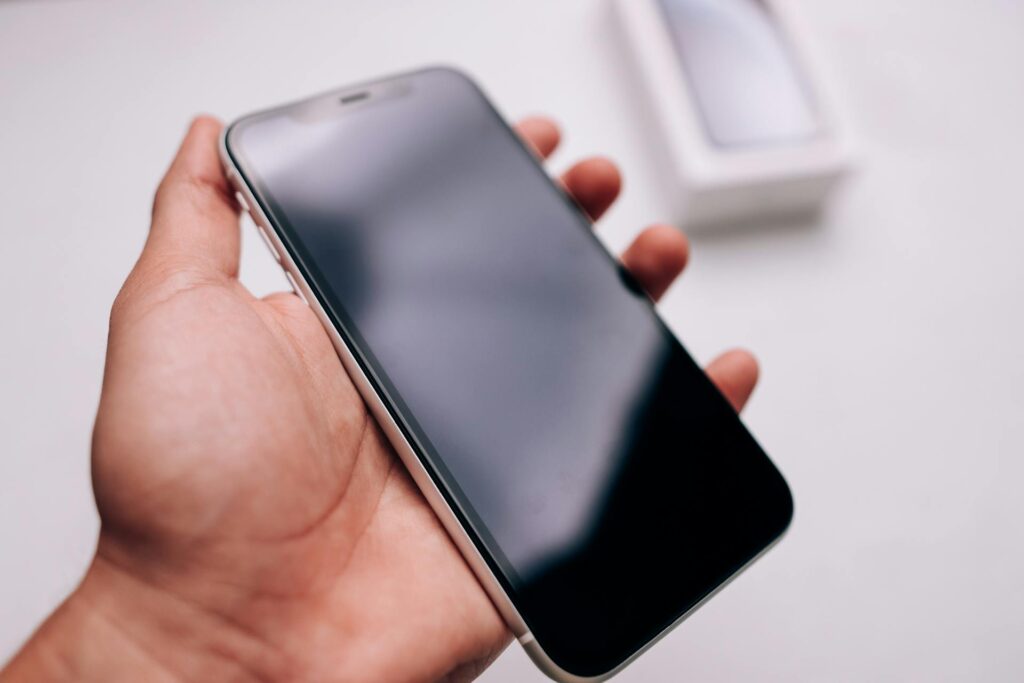
7. Data from Physically Damaged Devices
Recovery is possible even if:
The phone is cracked
The battery is dead
The screen doesn’t respond
The phone has water damage
Types of Device Failures We Recover From
1. Dead Phone (No Power)
We rebuild temporary access to extract files.
2. Water Damage
We stabilize the board and retrieve data from the storage chip.
3. Boot Loop / Stuck on Logo
Firmware corruption often prevents access — we bypass it safely.
4. Forgotten Passcodes (Legal Requirements Apply)
We follow strict verification procedures.
5. Broken Screen / Touch Not Working
We can access data without a working display.
6. Failed Updates
Corrupted system files often lock the device.
7. Internal Component Failure
Battery, charging, and motherboard issues can all be bypassed for data access.
Data Recovery Process (Step-by-Step)
Step 1: Device Intake & Verification
We verify ownership and confirm what needs to be recovered.
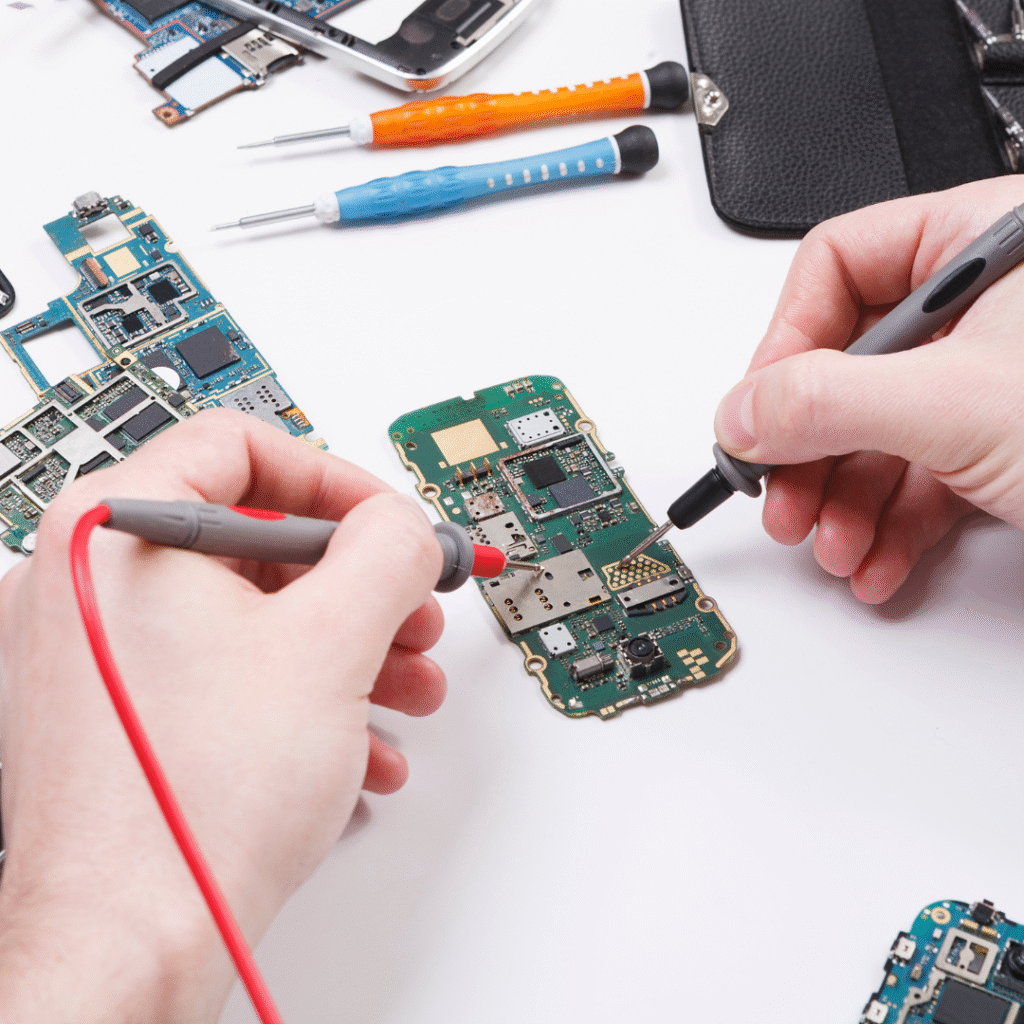
Step 2: Diagnostic Testing
We determine the type of failure:
Hardware
Software
System corruption
Water damage
Step 3: Stabilizing the Device
We:
Repair critical components temporarily
Clean corrosion
Replace damaged connectors
Fix power issues
This allows the device to enter a readable state.
Step 4: Safe Extraction
Depending on device model, we use:
System-level extraction
Encrypted channel recovery
Chip-level ISP/JTAG
Step 5: File Validation
We ensure recovered files are complete and readable.
Step 6: Transfer to Your Chosen Format
We can deliver files via:
USB drive
Hard drive
Secure cloud folder
Step 7: Device Restoration (Optional)
We can repair the phone fully if desired.
Helping Users Understand When They Need Data Recovery
Most people look for data recovery when something suddenly goes wrong.
Common reasons you need data recovery:
Phone won’t turn on
Broken or unresponsive screen
Deleted photos or videos
Water damage
Update failure wiped access
Boot loop or frozen logo
Lost important messages
Storage corruption
If the data matters, stop using the device immediately — continued use can overwrite recoverable files.
Pricing Table
| Repair Type | Typical Price | Estimated Time |
|---|---|---|
Basic Data Extraction |
$49–$99 |
1 hour |
Deleted File Recovery |
$79–$149 |
Same day |
Water-Damaged Device Recovery |
$99–$199 |
1–3 days |
Chip-Level Data Recovery |
$149–$299 |
2–5 days |
Full Device Diagnostic |
Included |
30–60 minutes |
What Our Customers Say
“I dropped my iPhone 13 on campus and cracked the entire screen. St. Charles Phone Factory replaced it the same day with an original-quality display and recalibrated Face ID. It looks brand new and works perfectly. Fast, clean, and professional service.”
“My Galaxy S22 stopped charging, and I thought I’d need to replace it. The team at St Charles Phone Factory diagnosed a damaged charge port and repaired it the same day. They even explained the process and showed me the microscope view of the soldering work. It’s been flawless since.”
Proudly Serving St. Charles & Nearby Communities
Our primary service area covers St Charles, Cottleville, Weldon Spring, and St Peters.
Customers reach us easily from Main Street, Lindenwood University, and Mid Rivers Mall via Zumbehl Rd.
We also provide pickup and drop-off assistance for local offices and campus residents.