Swollen Phone Battery Safety
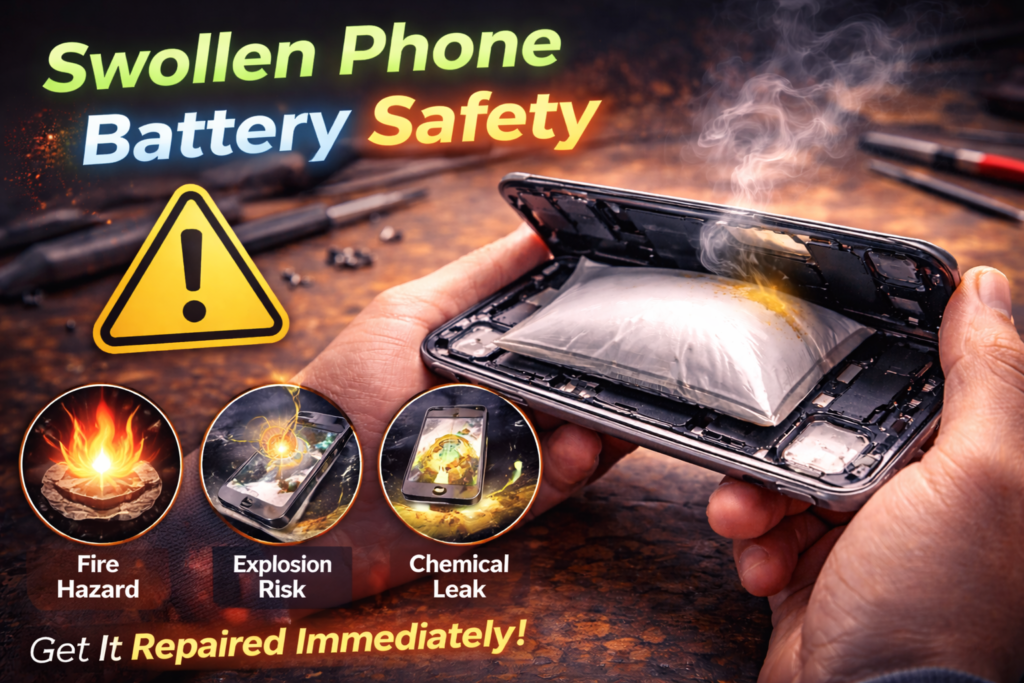
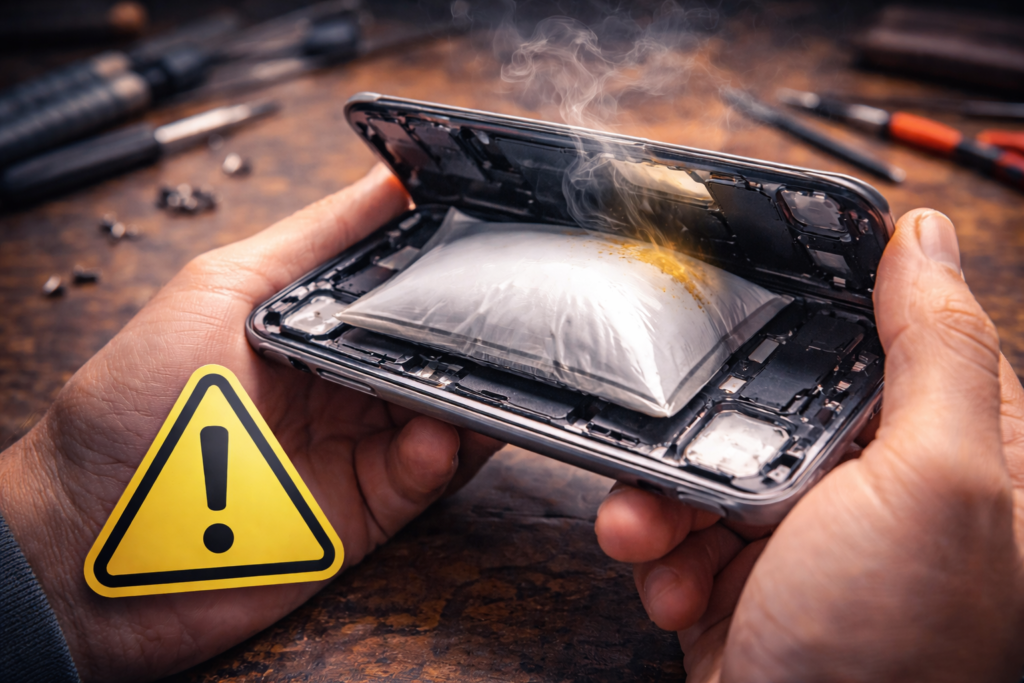
A swollen phone battery is not just a performance issue. It is a serious safety hazard. In St. Charles, we regularly see phones brought in with screens lifting, backs separating, or devices that suddenly feel thicker than normal. In nearly every case, the cause is a swollen lithium-ion battery.
We often see this issue in customers near Zumbehl Road and the Mid Rivers Mall who were unaware of the danger because the phone still powered on and seemed usable.
Battery swelling should never be ignored. It can damage internal components, crack screens, bend frames, and in rare cases lead to fire or explosion. This article explains why phone batteries swell, how to recognize warning signs early, what risks are involved, and what to do immediately if you suspect battery swelling.
What Causes a Phone Battery to Swell
Phone batteries are sealed lithium-ion cells. Inside each battery are chemical layers that store and release energy. When the internal chemistry breaks down, gas can build up inside the battery, causing it to expand.
Common causes include:
- Battery age and natural wear
- Overcharging stress
- Excessive heat exposure
- Manufacturing defects
- Physical impact damage
- Liquid exposure
Once swelling begins, it does not reverse.
Most Common Reasons Batteries Swell
1. Battery Age and Degradation
As batteries age, their internal chemistry becomes unstable.
This leads to:
- Increased internal resistance
- Chemical breakdown
- Gas formation inside the cell
Phones over two to three years old are at higher risk of swelling.
2. Heat Exposure
Heat is one of the biggest contributors to battery swelling.
Common heat sources include:
- Fast charging
- Charging under pillows or thick cases
- Leaving phones in hot vehicles
- Extended gaming or video streaming
Repeated heat exposure weakens battery structure and accelerates swelling.
3. Overcharging and Power Stress
Modern phones include charging protections, but constant overnight charging still stresses aging batteries.
This stress accelerates:
- Cell breakdown
- Gas buildup
- Structural failure inside the battery
4. Physical or Liquid Damage
Drops or moisture can damage internal battery layers.
Even minor damage can:
- Trigger internal chemical reactions
- Cause delayed swelling days or weeks later
Warning Signs of a Swollen Phone Battery
Battery swelling often develops gradually.
Watch for:
- Screen lifting away from the frame
- Back glass separating
- Phone rocking when placed on a flat surface
- Buttons becoming harder to press
- Device feeling thicker than normal
- Overheating during light use
If you notice any of these signs, stop using the phone immediately.
Why Swollen Batteries Are Dangerous
A swollen battery is unstable and unpredictable.
Risks include:
- Screens cracking from internal pressure
- Damage to internal components
- Sudden power failure
- Smoke or fire
- Battery rupture
Puncturing, bending, or compressing a swollen battery can cause ignition.
What NOT to Do With a Swollen Battery
Never:
- Continue charging the phone
- Press the screen or back into place
- Puncture or squeeze the battery
- Store the phone near heat sources
- Attempt DIY battery removal
These actions significantly increase fire risk.
Why Screen or Back Damage Often Appears First
As a battery swells, it pushes outward against the phone’s structure.
This pressure:
- Lifts screens
- Cracks back glass
- Bends frames
- Damages internal connectors
Many screen and back glass failures actually begin with battery swelling.
How Professionals Handle Swollen Batteries Safely
Professional battery replacement involves:
- Immediate power disconnection
- Controlled, fire-safe battery removal
- Use of proper tools and protective procedures
- OEM-grade battery installation
- Inspection for pressure-related damage
This process minimizes risk and restores device safety.
👉 Learn more about Battery Replacement in St. Charles
iPhone and Swollen Battery Risks
On iPhones, battery swelling often causes:
- Screen lifting along the edges
- Touch sensitivity issues
- Face ID or sensor misalignment
Early battery replacement helps prevent permanent damage.
👉 Learn more about iPhone Battery Replacement in St. Charles
Samsung and Android Swollen Battery Risks
On Samsung and Android devices, swelling may:
- Crack back glass
- Damage wireless charging coils
- Bend internal frames
These devices should be powered off immediately.
👉 Learn more about Samsung Battery Replacement in St. Charles
When to Replace a Swollen Battery Immediately
Replace the battery right away if:
- The phone feels thicker than normal
- The screen or back is lifting
- The device overheats easily
- Charging behavior becomes unstable
Waiting increases both safety risk and repair cost.
Battery Replacement in St. Charles, MO
At Phone Factory in St. Charles, swollen batteries are treated as a safety priority. We safely remove damaged batteries and restore device integrity using proper tools and procedures for customers throughout St. Charles, including areas near Zumbehl Road and Mid Rivers Mall.
Related Services
👉 Repair your swollen battery. Contact us now!
Final Takeaway
A swollen phone battery is a serious safety risk that should never be ignored. Continued use increases the chance of device damage, fire, or injury.
If you notice any signs of battery swelling, power the phone off immediately and seek professional battery replacement to protect both yourself and your device.