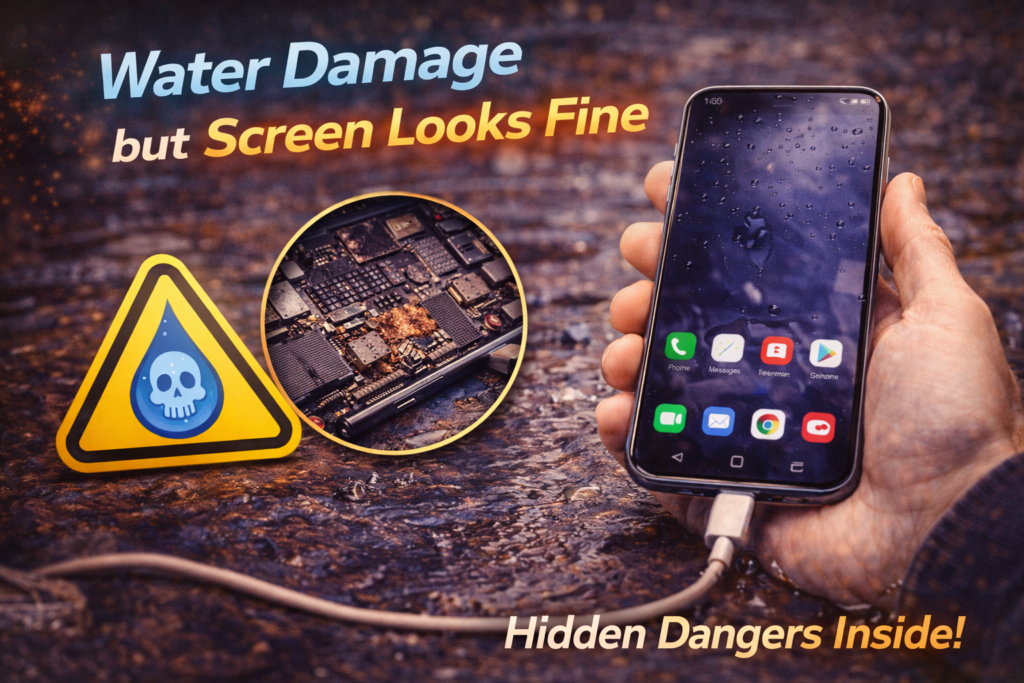
Water Damage but Screen Looks Fine
Introduction
One of the most misleading situations after liquid exposure is when a phone gets wet but the screen still looks perfectly fine. In St. Charles, this is one of the most common reasons people delay water damage repair. The phone turns on, the display is clear, and everything seems normal, so it feels safe to keep using it.
Unfortunately, a normal-looking screen does not mean the phone is undamaged. In fact, many of the most severe water damage cases begin exactly this way. Internal corrosion can progress silently while the phone appears functional on the outside.
This article explains why a phone screen can look fine after water exposure, what damage is happening internally, how delayed failures develop, and when professional water damage repair is the only way to prevent permanent damage.
Why the Screen Can Look Fine After Water Damage
Modern phone screens are sealed display assemblies. Water often bypasses the screen itself and enters through:
- Charging ports
- Speakers and microphones
- Button seams
- SIM tray openings
Because of this, water damage usually starts behind the screen, not in it.
The display may continue to work normally while internal connectors, chips, and power circuits begin to corrode.
What Water Damage Actually Affects First
Internal Connectors and Flex Cables
The first components affected by moisture are often:
- Screen connectors
- Charging port connections
- Battery terminals
- Camera and sensor flex cables
These parts are thin, exposed, and highly sensitive to corrosion.
Logic Board Components
Once moisture reaches the logic board:
- Corrosion forms on solder joints
- Electrical resistance increases
- Signal integrity becomes unstable
None of this is visible from the outside.
Why Damage Is Often Delayed
Water damage rarely causes immediate, total failure. Instead, it progresses over time.
Delayed damage occurs because:
- Residue is left behind after drying
- Corrosion spreads gradually
- Heat cycles accelerate chemical reactions
This is why phones often fail days or weeks after the incident.
Common Symptoms That Appear Later
Even if the screen looks fine at first, water damage often leads to:
- Touch becoming inconsistent
- Screen flickering or dimming
- Random shutdowns
- Battery draining quickly
- Phone overheating
- Charging problems
- Audio or microphone failure
These issues often appear one by one.
Why Waiting Is Risky
Many people choose to “wait and see” because the phone still works. This is risky because:
- Corrosion continues spreading
- Minor damage becomes major damage
- Repair success rates decrease
Waiting does not stop damage. It allows it to grow.
Why Drying the Phone Doesn’t Stop Internal Damage
Air drying or leaving the phone out overnight only removes surface moisture. It does not:
- Remove residue under chips
- Neutralize corrosion
- Clean contaminated connectors
A phone can be dry and still be actively degrading internally.
The Danger of Charging a Wet Phone
Charging after water exposure is one of the most common causes of permanent damage.
Charging:
- Pushes electricity through corroded pathways
- Accelerates corrosion
- Can destroy power management circuits
Many phones that could have been saved are damaged beyond repair by charging too soon.
Why Screen Problems Often Appear Last
The screen usually fails later because:
- Screen assemblies are sealed
- Damage begins at connectors first
- Signal degradation happens gradually
By the time screen issues appear, internal damage is often advanced.
Common Misconceptions About “Screen Looks Fine”
Myth 1: “If the Screen Works, the Phone Is Fine”
Internal components can be failing long before the screen shows symptoms.
Myth 2: “I’ll Fix It If Something Goes Wrong”
Once corrosion spreads, repair becomes more expensive or impossible.
Myth 3: “It Dried, So It’s Safe”
Dry does not mean clean or corrosion-free.
How Professionals Confirm Hidden Water Damage
A professional diagnostic scan evaluates:
- Power stability
- Battery behavior
- Charging current
- Connector integrity
- Signs of corrosion
This identifies damage long before visible symptoms appear.
👉 Related service: Diagnostic & Software Repair in St. Charles, MO
What Professional Water Damage Repair Does
Water damage repair is about stopping corrosion, not restoring appearance.
The process includes:
- Full device disassembly
- Internal inspection under magnification
- Corrosion and residue removal
- Ultrasonic or chemical cleaning
- Controlled drying
- Component testing and replacement if needed
This halts damage progression.
👉 Related service: Water Damage Repair in St. Charles, MO
When a Phone Can Still Be Fully Saved
Phones have the best chance of recovery when:
- They are powered off quickly
- Charging is avoided
- Repair begins early
- Corrosion has not reached critical components
Early action preserves internal integrity.
When Screen Replacement Becomes Necessary
Even if the screen looks fine initially, replacement may be required if:
- Flickering develops
- Touch becomes unreliable
- Display brightness fluctuates
- Lines or black spots appear
Replacing a screen without internal cleaning often leads to repeat failure.
Long-Term Risks of Ignoring Hidden Water Damage
Ignoring water exposure because the screen looks fine can result in:
- Sudden phone death
- Data loss
- Expensive board-level failure
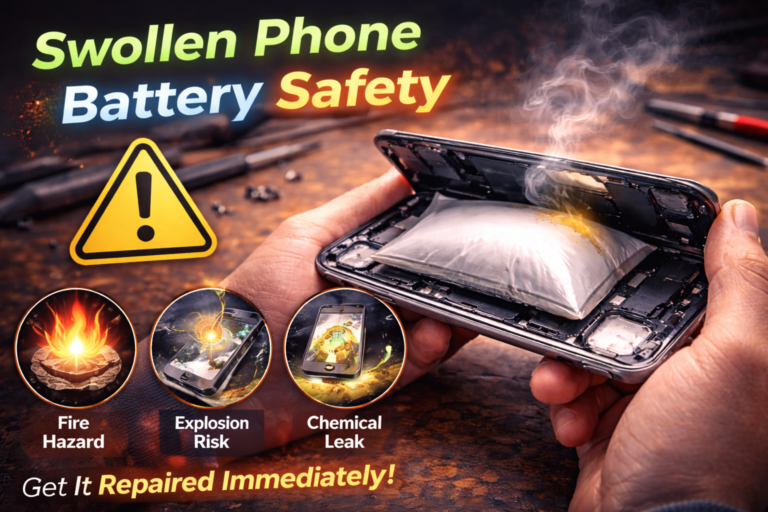
- Battery swelling or safety risks
Early repair prevents these outcomes.
Water Damage Diagnosis in St. Charles, MO
At Phone Factory, phones with water exposure are diagnosed daily, even when screens appear normal. Professional diagnostics identify hidden damage before it becomes irreversible.
Related Services
Diagnose your water-damaged phone. Contact us now!
Final Takeaway
A phone screen looking fine after water exposure does not mean the phone is safe. Water damage often begins internally and progresses silently, causing delayed and unpredictable failure.
Professional diagnostics and water damage repair are the only reliable way to stop corrosion and protect your device, even when everything appears normal at first.